AI Article

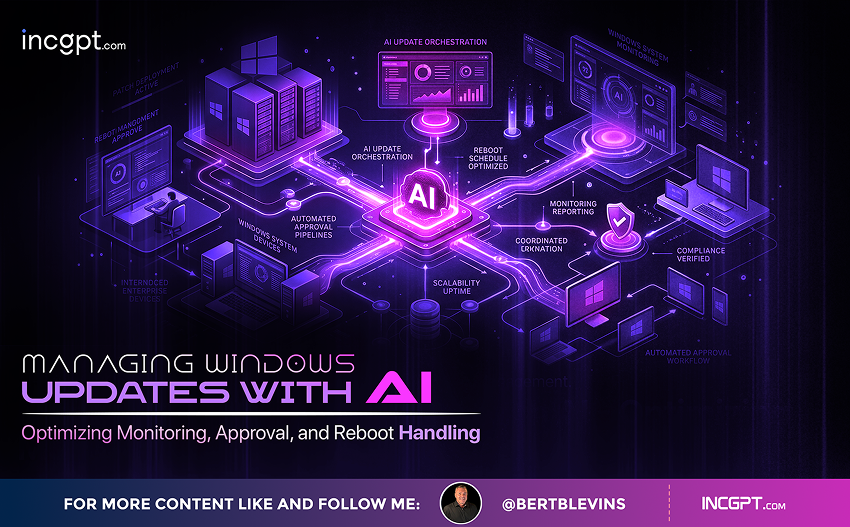
Managing Windows Updates with AI Optimizing Monitoring, Approval, and Reboot Handling

Managing Windows Updates with AI: Optimizing Monitoring, Approval, and Reboot Handling

Efficient management of Windows updates is critical to maintaining security, performance, and compliance across enterprise environments. As organizations face an increasing volume of updates, integrating AI into update management can help streamline processes, enhance decision-making, and minimize disruptions. While AI does not fully automate every task, it plays a crucial role in monitoring, approving, and handling reboots. By leveraging tools like Microsoft’s Windows Autopatch with Copilot, NinjaOne, and Infraon Assets, businesses can improve their update management strategies and reduce the time and effort required to resolve issues.

1. Using Microsoft Windows Autopatch with Copilot AI

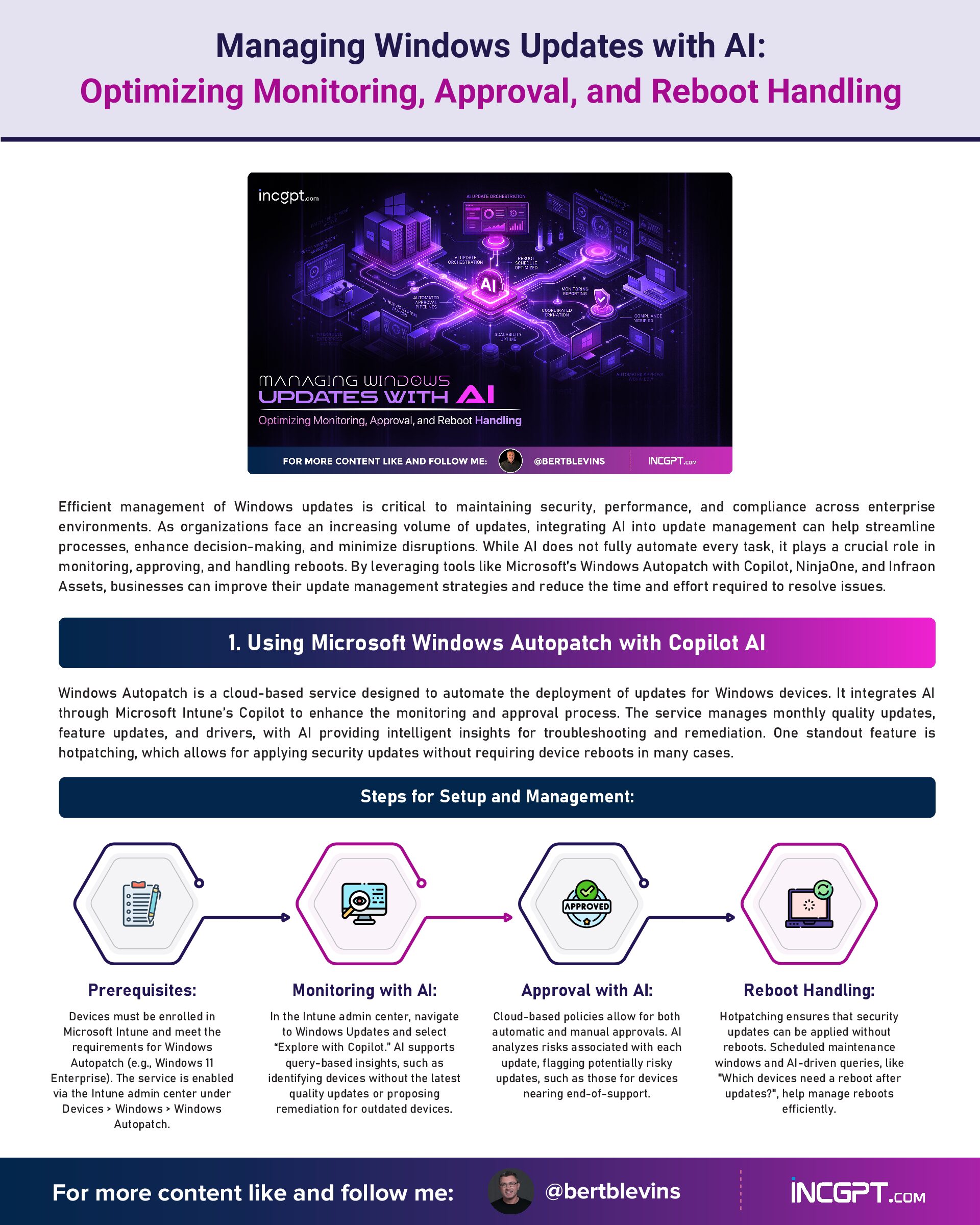
Windows Autopatch is a cloud-based service designed to automate the deployment of updates for Windows devices. It integrates AI through Microsoft Intune’s Copilot to enhance the monitoring and approval process. The service manages monthly quality updates, feature updates, and drivers, with AI providing intelligent insights for troubleshooting and remediation. One standout feature is hotpatching, which allows for applying security updates without requiring device reboots in many cases.
Steps for Setup and Management:
Best Practices:
By integrating AI, Windows Autopatch reduces manual oversight and accelerates the resolution of update-related issues, enhancing overall update management.

2. Using NinjaOne with Patch Intelligence AI

NinjaOne is an endpoint management platform that automates patching across multiple operating systems, including Windows, macOS, and Linux. Its Patch Intelligence AI uses sentiment analysis and global user feedback to identify potentially problematic patches, offering intelligent insights for safer patch approval and deployment.
Steps for Setup and Management:
Best Practices:
By utilizing Patch Intelligence AI, NinjaOne enhances proactive risk mitigation, making it an ideal solution for Managed Service Providers (MSPs) handling diverse environments.

3. Using Infraon Assets for AI-Powered Patch Management

Infraon Assets offers AI-driven patch management for Windows updates across endpoints, servers, and remote devices. This solution provides real-time monitoring and predictive risk analysis, assisting IT teams in prioritizing updates and managing patches efficiently.
Steps for Setup and Management:
Best Practices:
Infraon Assets excels in providing comprehensive patch management with AI, offering high efficiency and policy enforcement for organizations.
General Best Practices Across Tools
Conclusion
AI-powered tools like Microsoft Windows Autopatch with Copilot, NinjaOne, and Infraon Assets are transforming how businesses manage Windows updates. These tools not only automate essential tasks but also provide intelligent insights that enhance decision-making processes, minimize manual intervention, and reduce downtime caused by disruptive updates. By integrating AI, organizations can ensure timely, secure, and efficient updates while managing compliance and reducing risks.
Managing Windows Updates with AI Optimizing Monitoring, Approval, and Reboot Handling
Download Full Article PDF
Get the complete guide in PDF format for offline reading.

On This Page

Published

05/02/2026

PDF

Available

Video

Available

Share This Article
Managing Windows Updates with AI Optimizing Monitoring, Approval, and Reboot Handling
PDF
Download Full Article PDF
Get the complete guide in PDF format for offline reading.
New Pega research finds that the organizations getting real value from AI agents begin by rethinking how their business works — not by chasing the technology itself.
Switching to Cloudflare, NextDNS or your own Pi-hole feels like a quick win for speed and privacy. The catch: your browser may quietly ignore every change you made.
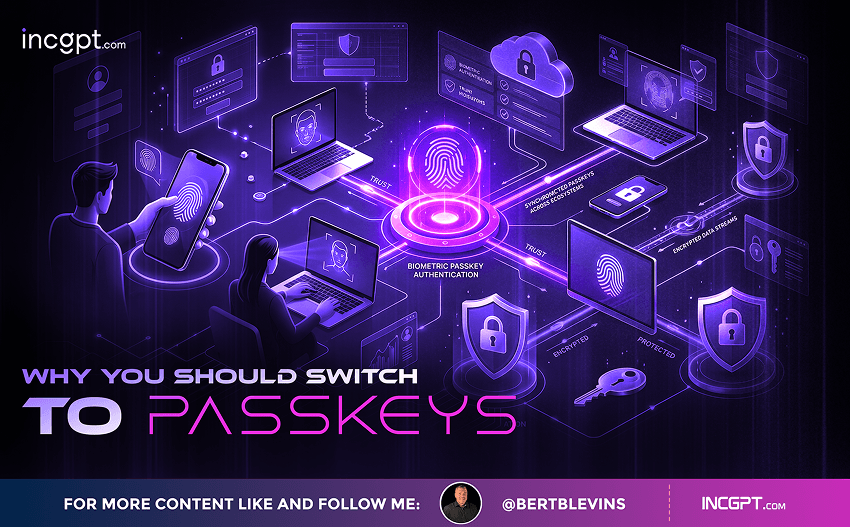
In the era of constant data breaches and hacking threats, traditional passwords are increasingly seen as outdated and vulnerable. Even with password managers in place, the reliance on passwords remains a significant security risk. Enter passkeys—an innovative and much more secure alternative to passwords that is quickly gaining traction among companies and users alike. This article will explore how passkeys work, why they are more secure than passwords, the challenges involved in their adoption, and how you can start using them today.

For the better part of two years, the dominant story about artificial intelligence in the workplace has been one of replacement. Barely a week passes without another headline announcing layoffs tied to automation, and the message has been hard to miss: human roles are on the way out, and AI agents are stepping in. Spend a little time scrolling through professional networks and you might conclude that tomorrow’s company will be little more than a thin layer of managers supervising fleets of software.
© 2026 BertBlevins.com · All Rights Reserved