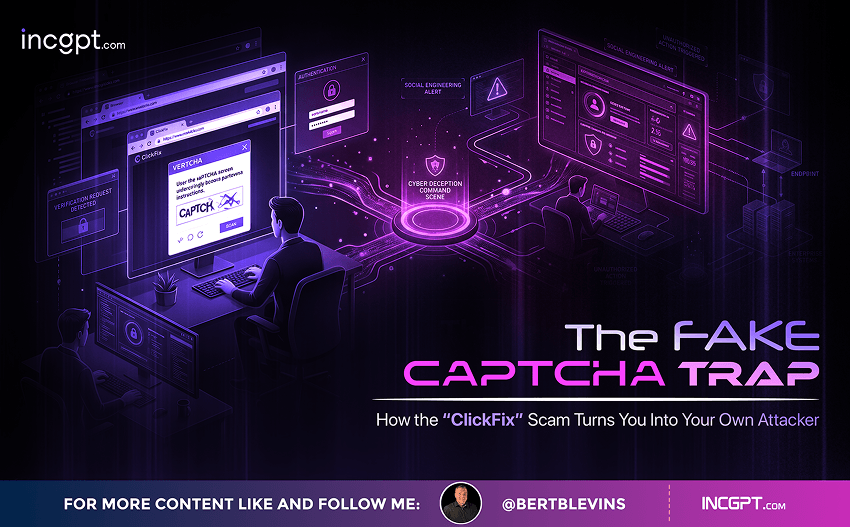
The Fake CAPTCHA Trap: How the “ClickFix” Scam Turns You Into Your Own Attacker
You have clicked through thousands of CAPTCHAs without a second thought. Check a box, identify a few crosswalks, prove you are human, and move on. That reflexive trust is exactly what a fast-spreading scam is counting on. Security researchers and local news outlets across the country are warning about a scheme that hijacks the humble “verify you’re human” prompt and weaponizes it — tricking victims into installing malware that can drain bank accounts, empty crypto wallets, and steal the passwords to your digital life.
The scam goes by the name “ClickFix,” and what makes it so dangerous is also what makes it so clever: you do the dirty work yourself.
How the Scam Works
It usually starts on a page that looks completely ordinary — often a compromised but otherwise legitimate website, or one you landed on through a search result or ad. Up pops a security check that mimics a familiar service like Cloudflare. Instead of the usual click-the-box challenge, though, this one gives you instructions.
You might first see a “Fix It” or “How to Fix” button — the source of the scam’s nickname. Clicking it silently copies a string of malicious code onto your clipboard. On its own, that copied code does nothing. The trap only springs when you follow the next set of directions.
On Windows machines, victims are typically told to press the Windows key and R together (which opens the Run dialog), then Ctrl+V to paste, then Enter to run it. The page frames these keystrokes as a normal part of “verification.” In reality, you have just pasted and executed a command that reaches out to a criminal’s server and installs malware on your own computer.
That last detail is the whole point. Because the victim types the commands and runs them personally, the attack sidesteps a lot of the protections that would normally kick in. There is no suspicious download prompt, no flagged email attachment, no warning that something is being installed against your wishes — just a user apparently choosing to run a program. As one local news investigation noted, antivirus software does not always recognize the threat, because from the system’s point of view, you authorized it.
Why It’s So Effective
Most cyberattacks rely on a technical trick: a hidden exploit, a booby-trapped file, a vulnerability in your software. ClickFix relies on something much harder to patch — human habit. It is almost pure social engineering.
People rarely question simple keyboard instructions when they believe they are dealing with a trusted security gate. The attack borrows the visual language of safety — a CAPTCHA, a verification step, a recognizable brand — and uses it as cover. By the time anything happens, the victim has already let the threat in through the front door.
The approach is also spreading fast. Researchers have tracked steep increases in these campaigns, with security tools blocking hundreds of thousands of attempts across hundreds of websites in a single month, and CAPTCHA-themed attacks repeatedly spiking to record volumes. The fake verification pages do double duty, too: they socially engineer the victim while also helping the operation hide from automated security scanners.
What’s Actually at Stake
The malware delivered through ClickFix is not harmless adware. These campaigns frequently install information-stealers, remote access tools, and spyware engineered to quietly harvest your most sensitive data, including:
- Saved passwords and active browser sessions, handing over accounts without needing your login.
- Banking and financial credentials that open the door to fraud and theft.
- Cryptocurrency wallet details, which can mean instant, irreversible losses.
- System information, screenshots, and other data that fuel identity theft.
Once that information reaches the attacker, the consequences can cascade: drained accounts, fraudulent charges, locked-out logins, and the long, exhausting cleanup that follows identity theft. Some variants escalate further into ransomware or persistent remote control of the device.
The One Red Flag That Gives It Away
Here is the single rule that defeats this entire scam: a real CAPTCHA will never ask you to do anything outside your browser. Legitimate verification runs entirely on the web page. It will never instruct you to open the Run dialog, launch PowerShell or Command Prompt, or copy and paste commands into your system to “prove” you are human or “fix” an error.
If a site ever gives you keyboard commands to run after a verification step, that is your cue to stop immediately. Close the tab and navigate back to a website you trust.
How to Protect Yourself
- Treat command instructions as an instant warning. No real verification, login, or error fix requires you to paste and run system commands. Full stop.
- Avoid copy-pasting commands you didn’t write. Pasting from an untrusted page is how the payload gets in. When in doubt, don’t paste at all.
- Keep everything updated. Apply the latest security patches to your operating system, browser, and applications so known weaknesses are closed.
- Run real-time protection. Use up-to-date anti-malware with web protection enabled across your devices to block known malicious sites.
- Be skeptical of “verification” you didn’t expect. An out-of-the-blue security check on a page you reached through an ad, link, or search result deserves extra caution.
If You Think You’ve Been Hit
Acting quickly limits the damage. Disconnect the affected device from the internet to cut off the attacker’s access, then run a full scan with reputable security software. Because these infections target credentials, change your important passwords — from a different, clean device — starting with email, banking, and any crypto accounts, and turn on multi-factor authentication wherever you can. Watch your financial statements closely for unfamiliar activity. The Identity Theft Resource Center offers free guidance on the steps to take if you believe you have been compromised.
The Bottom Line
ClickFix marks a shift in how online crime works. Rather than breaking in, attackers persuade you to open the door and walk the malware inside yourself. It is a reminder that the strongest security tool you own is a moment of skepticism. The next time a “verify you’re human” prompt asks you to do something with your keyboard beyond clicking a box, remember: proving you’re human should never require you to compromise your own machine.