AI Article

Inside Gemini Canvas – Google’s Bid to Turn Chat Into a Full Document Workspace

Inside Gemini Canvas: Google's Bid to Turn Chat Into a Full Document Workspace

Google’s AI assistant just learned to build PDFs, Word files, spreadsheets, and live dashboards directly inside Drive — but the workflow still has rough edges worth understanding before you rely on it.
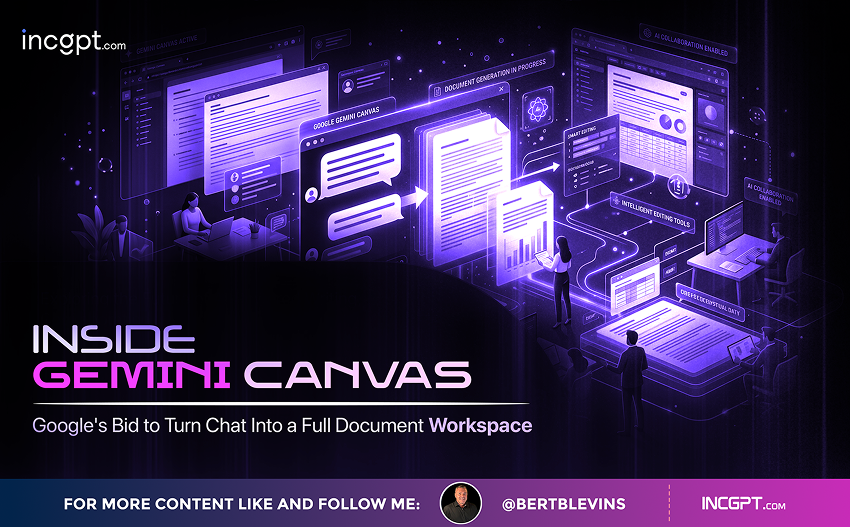
Google has rolled out a major update to Gemini that pushes the assistant well beyond conversational answers and into the territory of full file creation and management. The platform now generates PDFs, Word documents, Excel spreadsheets, CSVs, Markdown files, and native Google Docs, Sheets, and Slides without forcing users to bounce between separate apps. Sitting at the center of the update is Canvas, an interactive dashboard built for live data visualization and structured reporting.
The shift is significant because it reframes Gemini as a working surface rather than just a chat box. For people already living inside Google Drive, that is a meaningful productivity unlock. For everyone else, it is a useful look at where AI-assisted document workflows are heading next.

From conversation to creation: what is actually new

Gemini’s file generation now spans the formats that most professional workflows actually depend on. Users can ask the assistant to draft a report in Word, export a data summary as a PDF, build a spreadsheet from raw figures in Excel or CSV, or hand off plain Markdown for technical writing. Native Google formats sit alongside these, so a single prompt can produce a Doc, a Sheet, or a Slides deck stored directly in Drive.
That breadth matters because the old workflow — generate text in a chat, copy it out, paste it into a separate editor, format it manually — is precisely the kind of friction that AI tools were supposed to remove. Gemini is now closer to a true end-to-end pipeline, where the prompt, the draft, the format, and the saved file all live in the same place.

Canvas: an interactive dashboard for live data work

The headline addition is Canvas, an interactive layer that turns Gemini into something resembling a live workspace rather than a static document generator. Inside Canvas, users can produce dynamic data visualizations, structured overviews, and reports that update as the underlying data changes. Charts and graphs can be generated on the fly from raw numbers, and the assistant can suggest layout tweaks or visual elements that would otherwise require manual chart-building in a separate tool.
For people running monthly reporting, financial overviews, or any kind of data-heavy summary, Canvas is the part of the update most likely to change daily habits. The promise is that one prompt and one source dataset can produce a fully formatted, visually rich document without leaving Gemini.

AI editing: smarter formatting, summaries, and suggestions

Beyond raw file creation, Gemini now ships with editing tools that lean on the model’s reasoning to clean up existing documents. The assistant can refine titles, recommend formatting adjustments, and produce condensed summaries of long-form content. Files can be previewed before export, and small customizations can be layered on top of whatever the model produces.
The practical effect is that Gemini behaves less like a content generator and more like a junior editor sitting next to the user. It will not replace careful human review, but it removes a lot of the busywork that surrounds polishing a draft.

The Google Drive advantage

Where Gemini stands apart from competitors like ChatGPT and Claude is in its native handshake with Google Drive. Existing files in Drive can be pulled directly into a new prompt, used as a source for analysis, or transformed into a different format without any manual upload step. A spreadsheet of monthly expenses, for example, can be fed to Gemini and returned as a written financial overview complete with charts and observations.
That tight integration is the biggest reason Gemini is compelling for teams already inside the Google ecosystem. Files generated or edited through Gemini are immediately shareable through Drive, which makes collaboration in remote and hybrid teams noticeably smoother. Less app-hopping, fewer broken links, and a single source of truth for the document trail.

Where the workflow still creaks

The update is not without rough edges, and they are worth flagging before anyone bets a workflow on the new tools. The most visible issue is duplicate file creation: when Gemini edits an existing document, it often saves the result as a new V2 version instead of updating the original in place. The intent is to preserve the source file, which is reasonable, but the side effect is workspace clutter, especially for users who edit the same documents repeatedly.
PowerPoint output is another weak spot. Gemini handles Google Slides confidently, but presentations exported in PowerPoint format do not yet hit the visual polish that a client-facing deck demands. For teams that live and die by deck quality, that gap is meaningful. There is also the matter of file hierarchy: direct edits inside the original folder are not seamless, which can disrupt teams that rely on tightly structured Drive folders for compliance or project tracking.

Gemini versus the rest of the AI productivity stack

Compared to ChatGPT and Claude, Gemini’s clearest advantage is that it does not feel like a separate tool. The Drive integration, the native file formats, and the Canvas dashboard all reinforce the sense that Gemini is part of Workspace rather than something bolted onto it. For Google-first organizations, that is a meaningful edge.
Other platforms still pull ahead in specific areas. ChatGPT and Claude often offer richer external file management, more flexible automation hooks, and broader third-party tool ecosystems. The honest read is that the right choice depends on where a team’s documents already live. Inside Drive, Gemini is now genuinely competitive. Outside it, the tradeoffs flip.

What it means for everyday work

The update points to a quiet but important shift in how AI assistants are used. The early promise of generative AI was sharper writing and faster summaries. The next phase is starting to look like full document workflows, where the assistant is responsible not just for the words on the page but for the format they sit in, the data they reference, and the place they ultimately get saved.
Gemini’s expanded file creation, combined with Canvas, is a clear step in that direction. The remaining limitations — duplicate files, weaker PowerPoint output, and folder-level edit friction — are the kind of issues that tend to get smoothed out over successive releases. The harder problem, building a credible end-to-end document layer, is the one Google has now visibly committed to.

The road ahead

Gemini is not yet the final word in AI-driven document workflows, but it is one of the more ambitious entries to date. The combination of multi-format file creation, AI-assisted editing, deep Drive integration, and an interactive dashboard for data work covers a wide surface area. If Google can resolve the duplication issue, lift PowerPoint quality, and make in-place edits feel more natural, Gemini has a real shot at becoming the default document layer for teams already running on Workspace.
For now, the smart move is to treat the new features as a serious upgrade worth piloting on real work, while keeping a clean Drive structure and a careful eye on version sprawl. The tools have crossed the line from interesting to genuinely useful — but the workflows around them still need a human in the loop.
Inside Gemini Canvas – Google’s Bid to Turn Chat Into a Full Document Workspace
Download Full Article PDF
Get the complete guide in PDF format for offline reading.

On This Page

Published

01/05/2026

PDF

Available

Video

Available

Share This Article
Inside Gemini Canvas – Google’s Bid to Turn Chat Into a Full Document Workspace
PDF
Download Full Article PDF
Get the complete guide in PDF format for offline reading.
New Pega research finds that the organizations getting real value from AI agents begin by rethinking how their business works — not by chasing the technology itself.
Switching to Cloudflare, NextDNS or your own Pi-hole feels like a quick win for speed and privacy. The catch: your browser may quietly ignore every change you made.
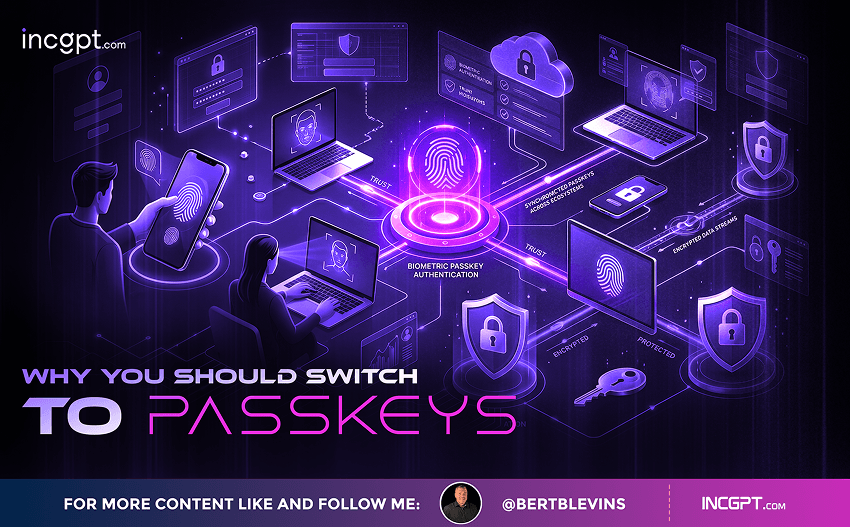
In the era of constant data breaches and hacking threats, traditional passwords are increasingly seen as outdated and vulnerable. Even with password managers in place, the reliance on passwords remains a significant security risk. Enter passkeys—an innovative and much more secure alternative to passwords that is quickly gaining traction among companies and users alike. This article will explore how passkeys work, why they are more secure than passwords, the challenges involved in their adoption, and how you can start using them today.

For the better part of two years, the dominant story about artificial intelligence in the workplace has been one of replacement. Barely a week passes without another headline announcing layoffs tied to automation, and the message has been hard to miss: human roles are on the way out, and AI agents are stepping in. Spend a little time scrolling through professional networks and you might conclude that tomorrow’s company will be little more than a thin layer of managers supervising fleets of software.
© 2026 BertBlevins.com · All Rights Reserved