Google Antigravity 2.0 Explained: Why the Platform Split Into Four Separate Tools
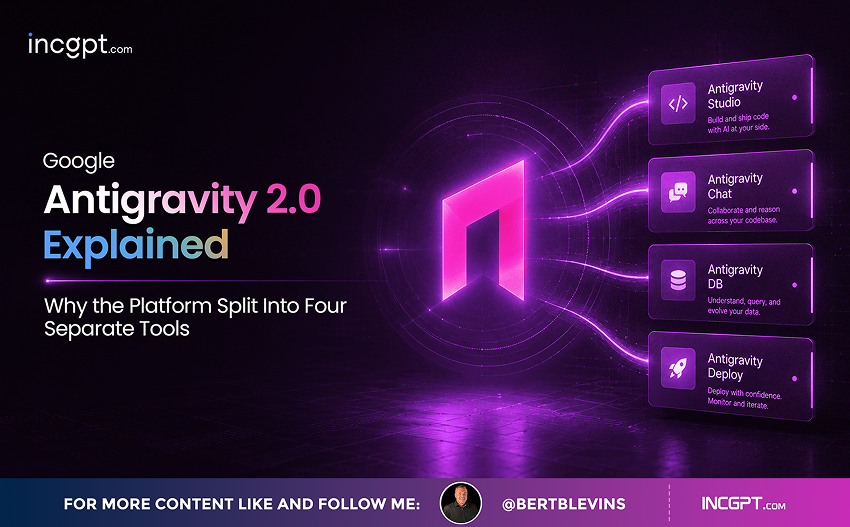
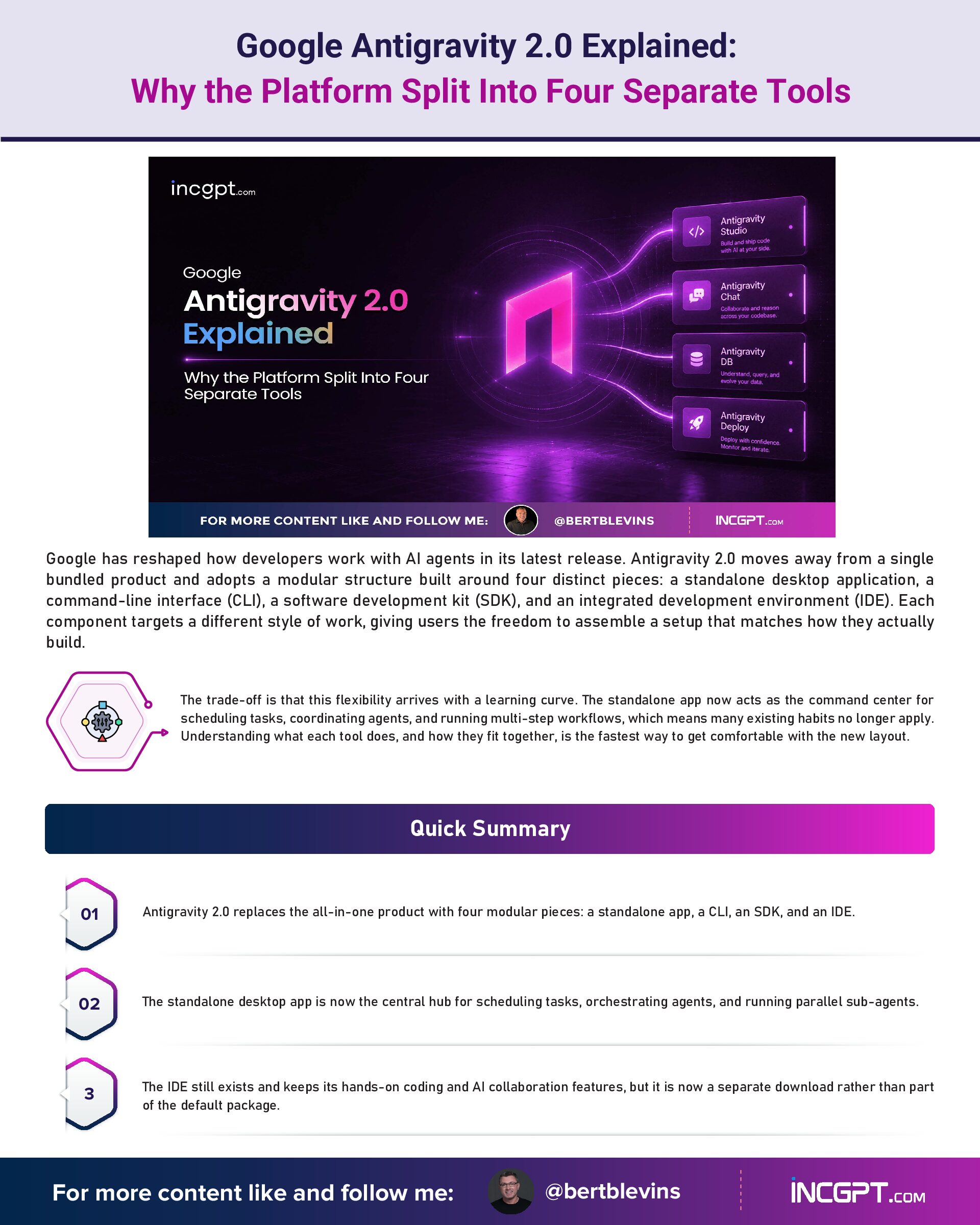
Google has reshaped how developers work with AI agents in its latest release. Antigravity 2.0 moves away from a single bundled product and adopts a modular structure built around four distinct pieces: a standalone desktop application, a command-line interface (CLI), a software development kit (SDK), and an integrated development environment (IDE). Each component targets a different style of work, giving users the freedom to assemble a setup that matches how they actually build.
The trade-off is that this flexibility arrives with a learning curve. The standalone app now acts as the command center for scheduling tasks, coordinating agents, and running multi-step workflows, which means many existing habits no longer apply. Understanding what each tool does, and how they fit together, is the fastest way to get comfortable with the new layout.
Quick Summary
- Antigravity 2.0 replaces the all-in-one product with four modular pieces: a standalone app, a CLI, an SDK, and an IDE.
- The standalone desktop app is now the central hub for scheduling tasks, orchestrating agents, and running parallel sub-agents.
- The IDE still exists and keeps its hands-on coding and AI collaboration features, but it is now a separate download rather than part of the default package.
- The new CLI replaces the deprecated Gemini CLI for terminal-first users, with the older tool retired by June 18.
- The SDK lets developers define custom agent behavior, embed AI into existing systems, and wire agents into CI/CD pipelines.
The Standalone App: A Central Hub for Agents
The desktop application sits at the heart of Antigravity 2.0. It is built to take the friction out of complex operations, offering task scheduling, agent orchestration, and support for running multiple sub-agents in parallel. Those features make it well suited to automating repetitive jobs and managing several agents at once.
In practice, you might queue up a group of agents to work through a large dataset at the same time, or hand off different stages of a project to agents that operate in sequence. Centralizing this kind of coordination improves both efficiency and scalability when the work gets complicated. The shift has not been universally welcomed, though. Because the IDE is no longer the default home for agent management, some users have had to rethink their routine, and reactions have been split between those who like the new structure and those who miss the older, more familiar setup.
The IDE: Still Here, Just Sold Separately
For developers who prefer to stay close to their code, the Antigravity IDE remains a strong option. It keeps the integrated code editor, the built-in terminal, and the AI collaboration tools that made it useful for creating and refining solutions. The key change is that it no longer ships with the platform automatically, and that single difference caused much of the early confusion around the update.
When the auto-update ran, it swapped the IDE for the new standalone app. A number of users assumed their projects and settings had vanished. In reality, nothing was lost. The project data stays intact in a separate directory, and the IDE can be reinstalled through its own download link. Once it is back in place, you can keep using it while also taking advantage of what the standalone app adds.
The CLI: A Lean Terminal Option
Users who live in the terminal get the Antigravity CLI, a lightweight replacement for the now-deprecated Gemini CLI. It lets you run commands, manage plugins, and extend functionality without ever opening a graphical interface, which appeals to anyone who values speed and a minimal setup.
The CLI plugs directly into the wider Antigravity ecosystem, so agent management stays within reach from the command line. With the Gemini CLI fully retired by June 18, moving over to the Antigravity CLI is the practical path for terminal-focused users who want to keep their workflow intact.
The SDK: Building Custom AI Solutions
The Antigravity SDK is aimed at developers who want to build their own AI-powered tools. It provides the flexibility to define unique agent behavior, embed AI capabilities into existing software, and connect workflows to CI/CD pipelines. You could use it to create an agent that handles quality assurance during development, or to feed AI-driven insights into a larger enterprise system.
Because it takes a developer-first approach, the SDK lets you move past the preset options that come out of the box. Whether the goal is an internal tool or an AI agent woven into a large-scale platform, the SDK supplies the building blocks needed to customize and innovate.
Smoothing Out the Transition
The rollout has had its rough edges. The default download link pointed users to the standalone app, which led many to believe the IDE had been discontinued. On top of that, the auto-update quietly replaced the IDE with the new app, deepening the confusion.
The fix is straightforward once the picture is clear: the IDE is still available as a separate download, and existing project data is preserved. Installing both the IDE and the standalone app lets you draw on their complementary strengths and get full value from the platform rather than treating the change as a loss.
Matching the Tool to the Job
The modular design means each component shines in a different situation. Knowing where each one fits makes it easier to pick the right starting point:
- Standalone App: Best for managing and orchestrating agents across complex, autonomous workflows, with centralized task scheduling and multi-agent coordination.
- IDE: Best for developers who want a hands-on coding environment with integrated AI collaboration for building and refining solutions.
- CLI: Best for users who prize speed and simplicity in a terminal-based setup, without a graphical interface.
- SDK: Best for developers creating custom AI tools and integrating agents into existing systems, including CI/CD pipelines.
Lining up your goals with the appropriate tool is the surest way to get the most out of the platform and keep your operations running smoothly.
Looking Ahead
Antigravity 2.0 marks a meaningful step forward in how AI agents are managed, trading a single bundled product for a flexible toolkit that serves a wider range of needs. The transition introduced some growing pains, but once the new structure clicks, adapting becomes far easier. Whether you code in the IDE, coordinate agents in the standalone app, run commands through the CLI, or build something original with the SDK, the platform gives you the pieces to work effectively in an increasingly agent-driven landscape. The opportunity now is to match these tools to your own goals and use them to push your projects further.