AI Article

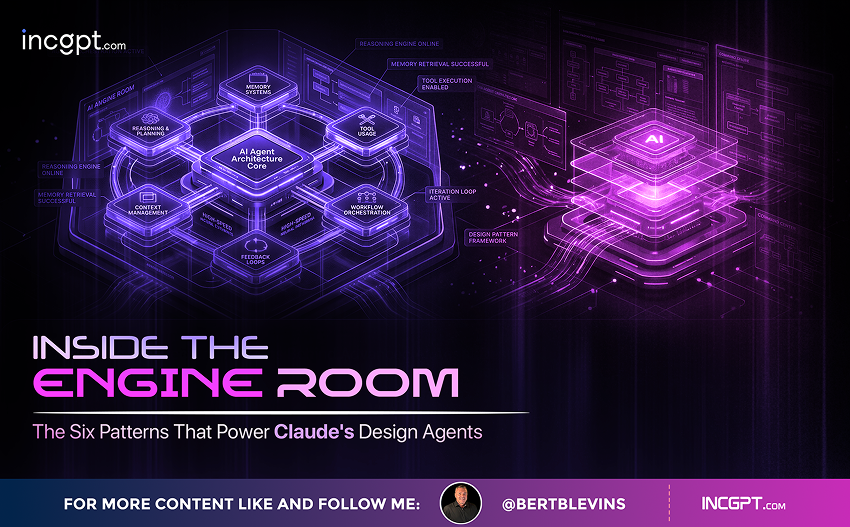
Inside the Engine Room The Six Patterns That Power Claude’s Design Agents

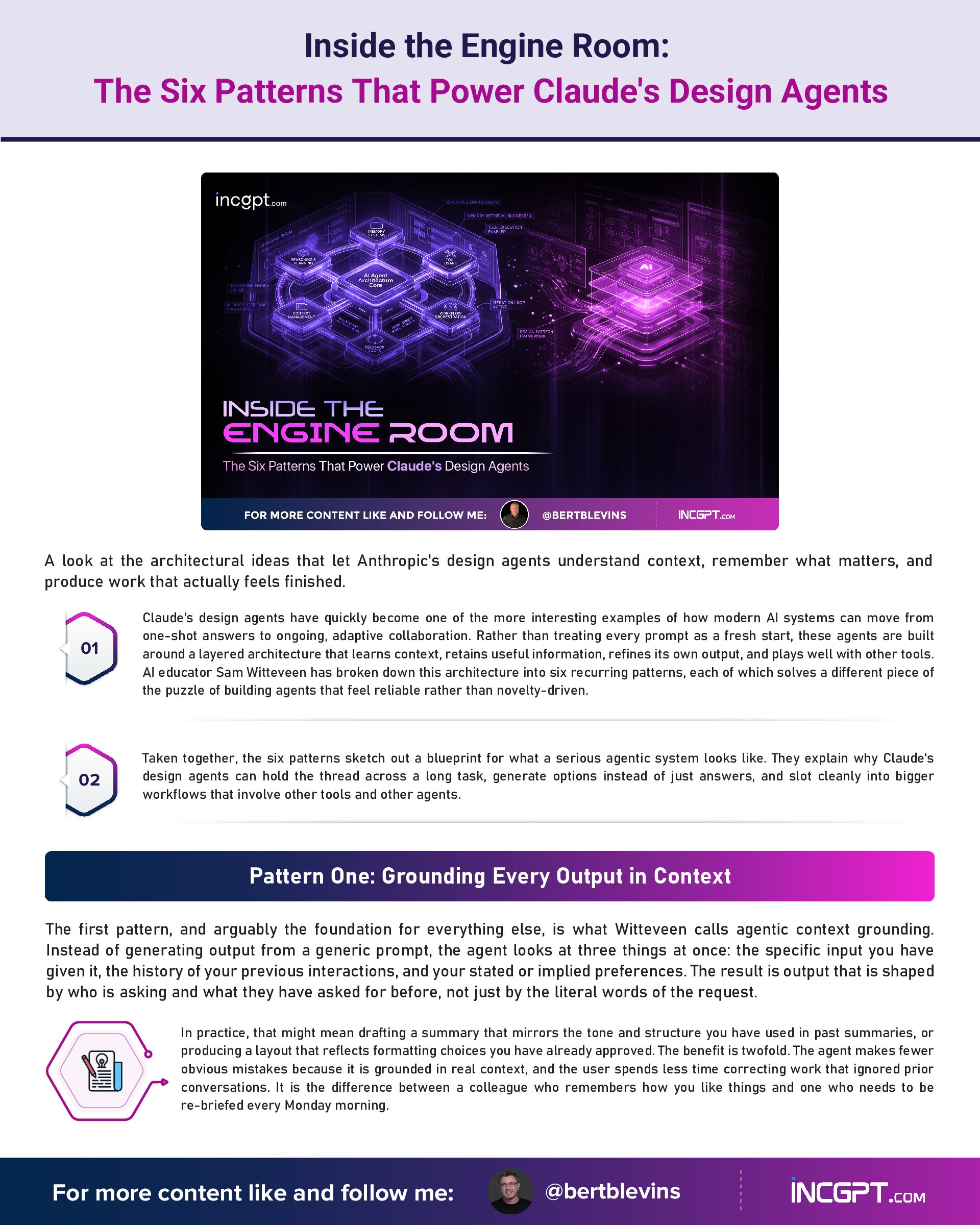
Inside the Engine Room: The Six Patterns That Power Claude's Design Agents

A look at the architectural ideas that let Anthropic’s design agents understand context, remember what matters, and produce work that actually feels finished.
Claude’s design agents have quickly become one of the more interesting examples of how modern AI systems can move from one-shot answers to ongoing, adaptive collaboration. Rather than treating every prompt as a fresh start, these agents are built around a layered architecture that learns context, retains useful information, refines its own output, and plays well with other tools. AI educator Sam Witteveen has broken down this architecture into six recurring patterns, each of which solves a different piece of the puzzle of building agents that feel reliable rather than novelty-driven.
Taken together, the six patterns sketch out a blueprint for what a serious agentic system looks like. They explain why Claude’s design agents can hold the thread across a long task, generate options instead of just answers, and slot cleanly into bigger workflows that involve other tools and other agents.

Pattern One: Grounding Every Output in Context

The first pattern, and arguably the foundation for everything else, is what Witteveen calls agentic context grounding. Instead of generating output from a generic prompt, the agent looks at three things at once: the specific input you have given it, the history of your previous interactions, and your stated or implied preferences. The result is output that is shaped by who is asking and what they have asked for before, not just by the literal words of the request.
In practice, that might mean drafting a summary that mirrors the tone and structure you have used in past summaries, or producing a layout that reflects formatting choices you have already approved. The benefit is twofold. The agent makes fewer obvious mistakes because it is grounded in real context, and the user spends less time correcting work that ignored prior conversations. It is the difference between a colleague who remembers how you like things and one who needs to be re-briefed every Monday morning.

Pattern Two: A Memory That Knows What to Keep

Underneath the conversational surface, Claude’s design agents rely on structured memory. Rather than dumping everything into one long context window, the agents store useful artifacts as persistent objects in formats like HTML or JSON. Templates, style guides, recurring data structures, and reusable building blocks all live in this memory layer and can be pulled forward when a similar task comes up again.
The practical payoff is twofold. Repetitive work gets faster because the agent does not rebuild the wheel for every report or email, and consistency improves because the same templates anchor each new output. If you frequently send a particular kind of update to a particular kind of audience, the agent can retrieve the canonical version, adapt it to the day’s specifics, and hand back something that feels native to your workflow rather than freshly improvised.

Pattern Three: Refining Through a Live Feedback Loop

The third pattern treats output as a starting point rather than a finished product. Through what Witteveen describes as an iterative refinement loop, users can intervene mid-flow, asking the agent to soften the tone, restructure a section, or tighten a layout. The agent absorbs each piece of feedback and re-applies it, so the work converges toward what the user actually wants rather than ping-ponging between drafts.
This pattern is what makes the relationship feel collaborative instead of transactional. Each correction is not a discarded attempt but a piece of signal the agent uses to improve its next pass. For complex outputs, like presentations, long-form writing, or design assets, that running dialogue is often the difference between a usable result and a frustrating one.

Pattern Four: A Built-In Self-Critic

The fourth pattern adds a quality gate that runs before anything reaches the user. The self-QA loop is essentially the agent reviewing its own draft, looking for inconsistencies, layout issues, broken alignment, or content that does not match the brief, and fixing those problems before handing the work over. The user sees the polished version, not the rough one.
In a marketing brochure scenario, that might mean the agent catching a misaligned heading, a duplicate bullet, or a tone shift between sections, and correcting all of them quietly. The effect is that human reviewers spend less time hunting for small errors and more time focusing on substantive feedback. It is autonomous quality control rather than a manual checklist tacked on at the end.

Pattern Five: Generating Options, Not Just Answers

The fifth pattern reframes the agent’s job from delivering a single best answer to delivering a useful set of choices. With multivariation generation, the agent produces multiple versions of an output, each tuned along a different axis: tone, layout, level of formality, visual style. The user picks the version that fits the moment instead of asking the agent to keep iterating until it lands on the right register.
For a social media post, that might mean parallel drafts in formal, casual, and promotional voices. For a design task, it might mean a handful of layout treatments that explore different visual directions. This approach respects something true about creative work: judgment is often about comparison, and seeing options side by side is the fastest path to clarity. It also turns the agent into a creative partner that broadens the search rather than narrowing it prematurely.

Pattern Six: Designed to Hand Off Cleanly

The final pattern is about what happens after the agent finishes its work. Rather than locking output inside its own environment, Claude’s design agents produce results in standard formats such as JSON, HTML, and Markdown. That makes the output ready to flow into other tools without conversion, cleanup, or manual adjustment.
A data visualization can land in an analytics tool that already understands the format. A document can drop straight into a collaboration platform without breaking layout. In a multi-agent setup, one agent’s output becomes another agent’s input with no glue code in between. Witteveen frames this as a handoff pattern, and it is what allows the design agent to act as one well-behaved component in a larger system rather than an island that requires its own ecosystem.

Why These Six Patterns Add Up to Something Bigger

Looked at individually, each of these patterns solves a specific local problem. Looked at together, they describe a complete loop: understand the user, remember what is useful, refine in real time, audit the result, generate alternatives, and pass the work cleanly to whatever comes next. That is a recognisable shape for what a mature agentic system needs to do, and it lines up with the direction the wider AI industry is moving.
For anyone building or evaluating AI agents, the six patterns also serve as a useful diagnostic. Systems that skip context grounding tend to feel forgetful. Systems without structured memory feel inconsistent. Systems with no refinement loop feel rigid, while those without self-QA feel sloppy. Skipping multivariation makes the agent feel narrow, and skipping the handoff layer makes it feel trapped. Claude’s design agents are interesting precisely because they have answers for all six.

The Takeaway for AI-Native Workflows

The broader signal here is that good agent design is less about a single clever model and more about how the surrounding architecture is wired. Context, memory, iteration, self-review, optionality, and interoperability are the levers that turn a capable language model into something genuinely useful inside a workflow. Claude’s design agents are a working example of those levers being pulled at the same time, and the result is a system that behaves less like a chatbot and more like a structured collaborator.
As more teams move from experimenting with AI to embedding it inside real day-to-day operations, these six patterns offer a concrete vocabulary for what to build, what to demand, and what to measure. They also hint at where the next round of innovation is likely to come from: not from louder models, but from smarter scaffolding around them.
Inside the Engine Room The Six Patterns That Power Claude’s Design Agents
Download Full Article PDF
Get the complete guide in PDF format for offline reading.

On This Page

Published

03/05/2026

PDF

Available

Video

Available

Share This Article
Inside the Engine Room The Six Patterns That Power Claude’s Design Agents
PDF
Download Full Article PDF
Get the complete guide in PDF format for offline reading.
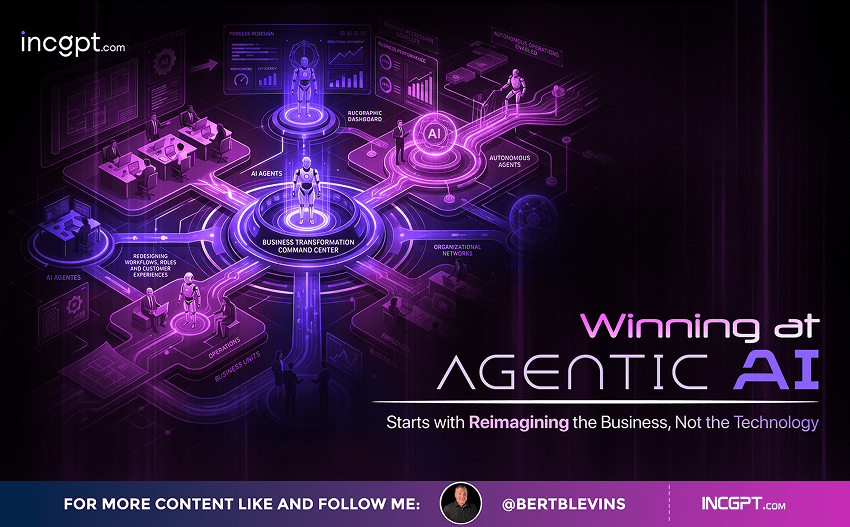
New Pega research finds that the organizations getting real value from AI agents begin by rethinking how their business works — not by chasing the technology itself.
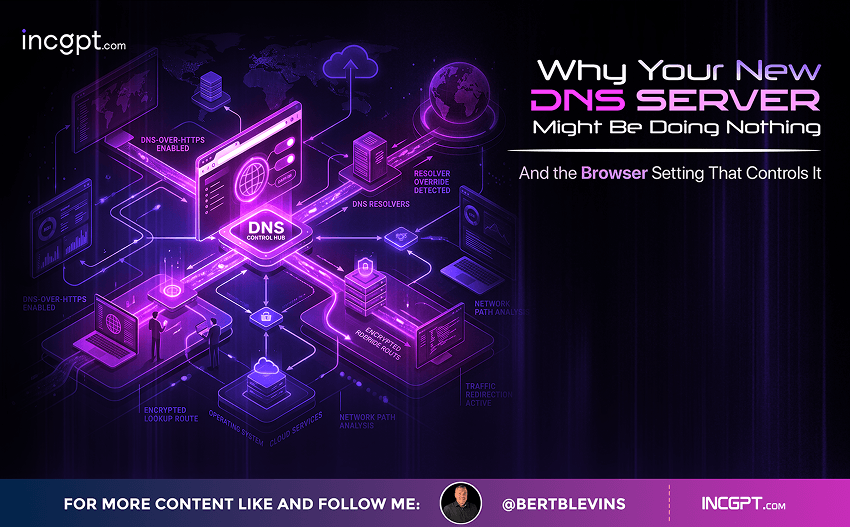
Switching to Cloudflare, NextDNS or your own Pi-hole feels like a quick win for speed and privacy. The catch: your browser may quietly ignore every change you made.
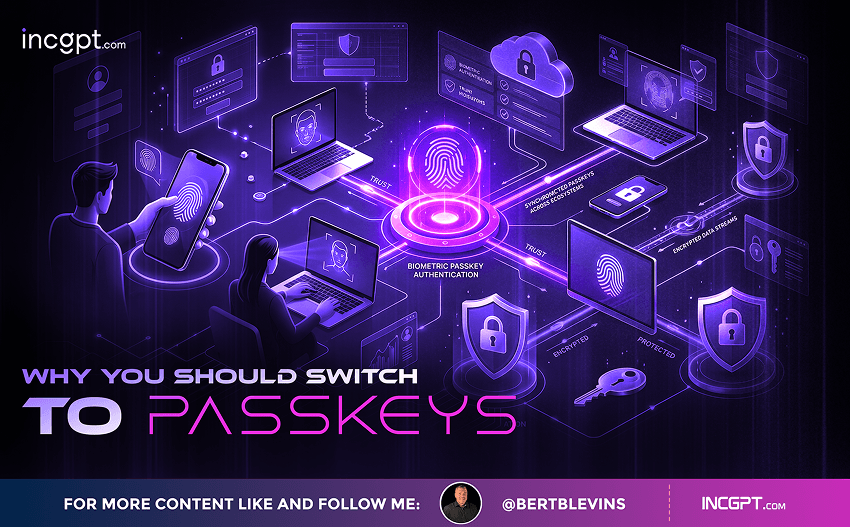
In the era of constant data breaches and hacking threats, traditional passwords are increasingly seen as outdated and vulnerable. Even with password managers in place, the reliance on passwords remains a significant security risk. Enter passkeys—an innovative and much more secure alternative to passwords that is quickly gaining traction among companies and users alike. This article will explore how passkeys work, why they are more secure than passwords, the challenges involved in their adoption, and how you can start using them today.

For the better part of two years, the dominant story about artificial intelligence in the workplace has been one of replacement. Barely a week passes without another headline announcing layoffs tied to automation, and the message has been hard to miss: human roles are on the way out, and AI agents are stepping in. Spend a little time scrolling through professional networks and you might conclude that tomorrow’s company will be little more than a thin layer of managers supervising fleets of software.
© 2026 BertBlevins.com · All Rights Reserved