AI Article

Past the Password – Two Attacks That Walk Around Your Microsoft 365 Login

Past the Password: Two Attacks That Walk Around Your Microsoft 365 Login

For years, security awareness training has drilled the same lesson: scrutinize the sender, hover over the link, and never type your password into a page you do not trust. Two campaigns tracked through the summer of 2026 quietly retire that advice. Neither one forges Microsoft’s front door. One hijacks the network you connect to before you ever open a browser; the other sends you to Microsoft’s genuine sign-in page and lets you approve your own compromise. Both share a single, unsettling trait: they sail past passwords and multifactor authentication rather than trying to break them.

The Hotel Network That Hands You Over

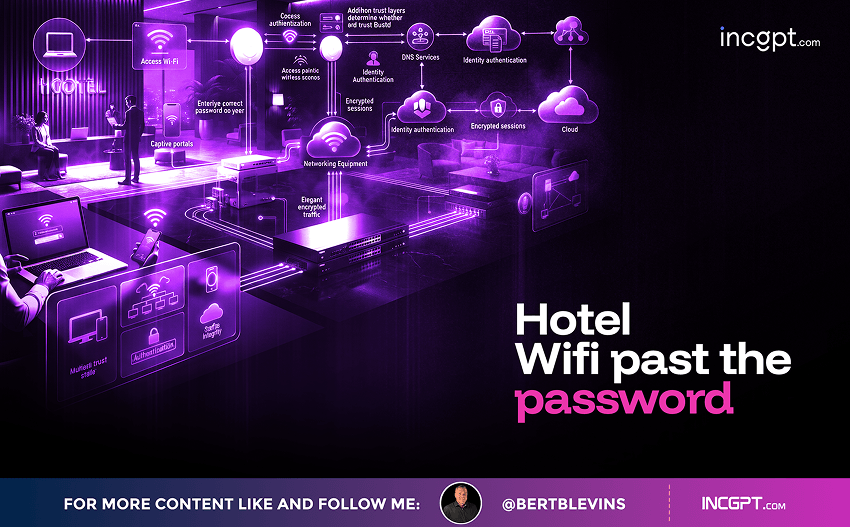
You land, check in, and open your laptop before a meeting. A Microsoft sign-in screen appears asking for your work password. Nothing looks wrong. The hotel’s name is in your Wi-Fi list, other sites load normally, and the page looks exactly like the one you use every day. That is precisely why it works. In a campaign that Microsoft and the security firm ReliaQuest have been tracking across the United States and beyond, the hotel network you just trusted may have handed you to an attacker before you typed a single character.
The alarm went up on two fronts. In July, ReliaQuest documented attackers compromising the Wi-Fi gateways at hotels and conference centers, then rerouting guests to counterfeit Microsoft 365 login pages. Weeks later, Microsoft went further. In a warning published at the start of August, Microsoft Threat Intelligence named the operation CaptiveCrunch and attributed it to Storm-2945, a sub-cluster of Midnight Blizzard, the Russian state-sponsored espionage group also known as APT29 or Cozy Bear and tied by Western agencies to Russia’s Foreign Intelligence Service, the SVR.
There is a wrinkle in that attribution. ReliaQuest’s earlier analysis noted the tradecraft resembled router-hijacking campaigns associated with a different Russian group, APT28, better known as Fancy Bear and linked to military intelligence. Microsoft instead points at APT29. The two share technique but no firm infrastructure, a reminder that attribution is rarely tidy. What is not in dispute is the origin: this is a professional, state-level espionage effort, first observed back in early May and disclosed roughly three months later.

One Gateway, Everyone in the Room

The mechanics are elegant in the way that makes them dangerous. Hotels and venues that funnel guests through a captive portal, the login page you hit before the internet works, run that experience on a Wi-Fi gateway. Once an attacker gains administrative control of that gateway, they can rewrite its DNS and HTTP behavior. DNS is the internet’s address book, translating a name like the Microsoft login page into the numerical address of the right server. Tamper with it, and a request for the real Microsoft page can be answered with the address of a fake one instead.
Because the manipulation happens at the gateway, the attacker never has to touch any individual guest’s device. A single compromised appliance can catch everyone who connects during a conference, and Microsoft suspects some compromises reach shared infrastructure used by multiple captive-portal providers, which would widen the blast radius considerably. Entry points vary: administrative panels exposed to the internet, weak or default passwords, unpatched firmware with known flaws. A venue that skips one update can hand over every guest who logs on.
Victims land on convincing Microsoft 365 imitations hosted on lookalike domains. ReliaQuest flagged several the attackers registered, stitching together familiar Microsoft terms so a traveler rushing between sessions is unlikely to scrutinize the address bar. Enter your email and password, and they are captured. In many cases the fake pages run an adversary-in-the-middle attack, sitting between you and the real service to harvest a live session. And the operation has branched out: using its privileged position on the network, the attacker also serves fake browser updates, Windows update screens, and driver or repair tools that actually deliver malware, including two custom families Microsoft tied to the campaign, CornFlake and ChocoShell, built for persistent access, credential theft, surveillance, and data exfiltration.

The Second Campaign: A Real Microsoft Page, Weaponized

If the hotel attack breaks the advice to trust a familiar network, a second campaign breaks the advice to check the domain. From late June into July 2026, Check Point’s email research team documented a phishing operation that did something remarkable: it sent victims to a real Microsoft login page. Researchers identified more than 200 phishing emails targeting users across roughly 120 organizations worldwide. What compromised the accounts was not a stolen password but a permissions prompt the victim clicked through voluntarily.
The lure was a fake Microsoft Teams notification with a genuine destination. The email posed as a Planner task-assignment alert; the sender name read “There’s New Activity On Team,” the subject claimed HR had sent three messages via Teams chat, and the body referenced a payroll and benefits update alongside a counter showing four overdue employee tasks. To a trained eye there were tells: every link, including both call-to-action buttons, routed through the same redirect, and the visible sender address belonged to the recipient’s own organization, so the email appeared to have been sent to the same person it came from.
But the link opened a real OAuth authorization URL on login.microsoftonline.com, not a look-alike domain. Signing in displayed a genuine Microsoft permissions prompt asking the user to approve access, or to accept it on behalf of their organization. Approve it, and the attacker’s own application is granted standing access to mail, files, Teams, SharePoint, OneDrive, and calendars. No password changes hands. No one-time code is intercepted. Because the user personally clicked approve, multifactor authentication is entirely satisfied. Check Point notes the technique has been commoditized in 2026 into a rentable service, lowering the bar for who can run it.

The Trick That Walks Past MFA

The two campaigns converge on the same weakness from different angles: the human approval step that most people assume protects them. In the hotel attack, the most unsettling variation presents a device code prompt that looks like a routine sign-in step.
In reality the attacker has already started their own authentication session with Microsoft and is showing you the code tied to it. When you dutifully enter that code at Microsoft’s genuine sign-in page and approve it, you are not logging yourself in, you are authorizing the attacker’s session, and Microsoft issues them a valid access token. In the Check Point campaign, the mechanism differs but the logic is identical: the victim’s own click grants the access. In both cases, if a login asks you to approve a device, enter a code, or grant an app permission you did not personally initiate, that is the moment to stop.

Why the Obvious Fixes Fall Short

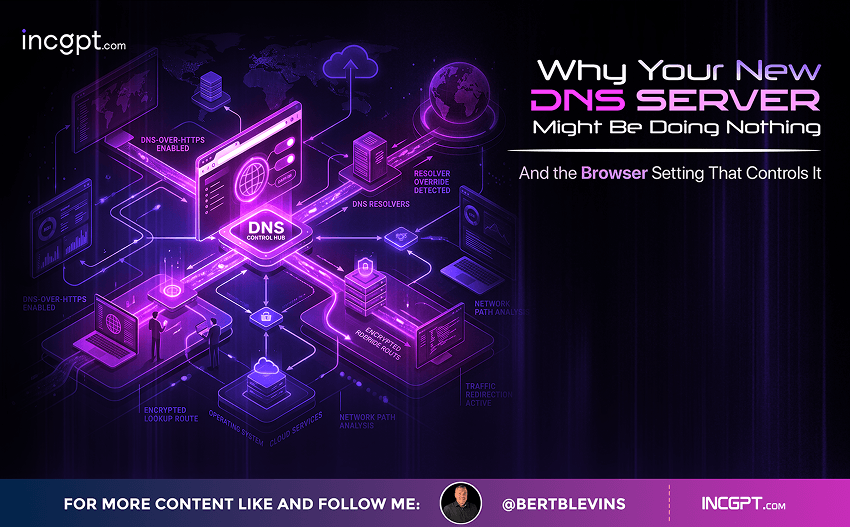
A natural instinct against the hotel attack is to switch your device to a public DNS service, on the theory that you would bypass the poisoned settings. It is not enough. Ordinary DNS requests travel in plain text, so a compromised gateway can forge the answer before your request ever reaches the public resolver. Your device believes it heard back from the service you chose, while the gateway quietly points you at the attacker. Encrypted DNS is a real defense because it stops the local network from reading or altering those lookups, but only in strict mode, so your device never silently falls back to an unencrypted connection.
The consent attack resists the classic fixes just as stubbornly. There is no misspelled domain to catch, because the domain is genuinely Microsoft’s. Password managers still autofill, because the login is real. MFA still completes, because the user approves it. The one control that actually addresses it lives at the tenant level, not the inbox: restricting which applications users are allowed to consent to in the first place.

How to Actually Protect Yourself

For individuals, the strongest posture is to treat every hotel, airport, and conference network as hostile. An always-on, full-tunnel VPN that encrypts all of your traffic, switched on before you open email or sign in to anything, closes most of the hotel attack. When you only need a few minutes of access to something sensitive, skip the venue network entirely and use your phone’s cellular hotspot. Never trust a login page you reached by following a post-connection prompt; open the Microsoft app directly or use a saved bookmark, and remember that the words Microsoft, 365, or OWA in an address prove nothing. Above all, refuse any device-code, device-approval, or app-permission request you did not personally initiate, and verify it with your IT team through a channel you trust before continuing. Keep your operating system, browser, and security software patched before you travel, since these attacks often lean on vulnerabilities that updates would have closed.
Organizations carry the part that individuals cannot. Against the consent attack, the decisive move is restricting app consent so users cannot grant standing access to arbitrary third-party applications, reviewing which apps already hold permissions, and revoking anything unexpected. Against the hotel attack, Microsoft and ReliaQuest recommend disabling Microsoft Entra ID device code authentication where the business does not need it, since that single change removes the technique behind the MFA bypass. Security teams should also review sign-in logs for logins from unexpected places, unfamiliar devices, or strange application approvals, disable the WPAD feature where no business system requires it, and investigate any unexplained proxy configuration activity on Windows machines.

The Real Takeaway

What makes both campaigns effective has little to do with sophistication an ordinary user could hope to spot. The network name matches the hotel. The sign-in page is polished, or genuinely Microsoft’s. The permissions prompt is a real Microsoft screen. Everything about the moment feels routine, and that is the point. The defense is not a sharper eye for fakes; it is a change in posture. Assume the hospitality network is untrustworthy and route around it when the stakes are high. Treat every approval and consent screen as a decision, not a formality. And recognize that the era of attackers forging Microsoft’s front door is giving way to something harder to catch: attackers who simply wait for you to hold the door open. The attackers are counting on your hurry. Denying them that is most of the battle.
Past the Password – Two Attacks That Walk Around Your Microsoft 365 Login
Download Full Article PDF
Get the complete guide in PDF format for offline reading.

On This Page

Published

05/08/2026

PDF

Available

Video

Available

Share This Article
Past the Password – Two Attacks That Walk Around Your Microsoft 365 Login
PDF
Download Full Article PDF
Get the complete guide in PDF format for offline reading.
New Pega research finds that the organizations getting real value from AI agents begin by rethinking how their business works — not by chasing the technology itself.
Switching to Cloudflare, NextDNS or your own Pi-hole feels like a quick win for speed and privacy. The catch: your browser may quietly ignore every change you made.
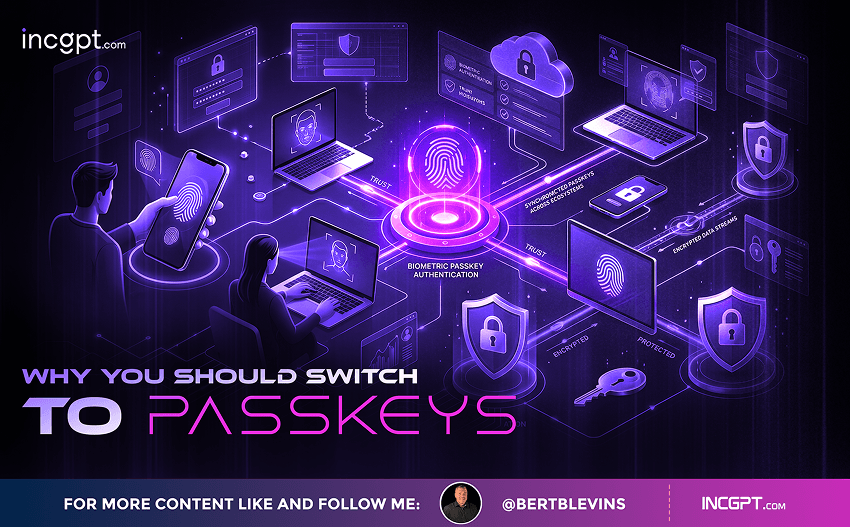
In the era of constant data breaches and hacking threats, traditional passwords are increasingly seen as outdated and vulnerable. Even with password managers in place, the reliance on passwords remains a significant security risk. Enter passkeys—an innovative and much more secure alternative to passwords that is quickly gaining traction among companies and users alike. This article will explore how passkeys work, why they are more secure than passwords, the challenges involved in their adoption, and how you can start using them today.

For the better part of two years, the dominant story about artificial intelligence in the workplace has been one of replacement. Barely a week passes without another headline announcing layoffs tied to automation, and the message has been hard to miss: human roles are on the way out, and AI agents are stepping in. Spend a little time scrolling through professional networks and you might conclude that tomorrow’s company will be little more than a thin layer of managers supervising fleets of software.
© 2026 BertBlevins.com · All Rights Reserved