AI Article

When the Help Desk Is the Hacker How Attackers Are Weaponizing Microsoft Teams

When the Help Desk Is the Hacker: How Attackers Are Weaponizing Microsoft Teams

For years, cybersecurity training has taught employees to scrutinize emails for phishing attempts. Look for bad grammar. Check the sender address. Do not click suspicious links. Most workers have internalized these habits, and organizations have built layers of technical defenses around email as a result. Attackers have noticed, and they are adapting. The latest wave of social engineering attacks bypasses email entirely, targeting employees through a channel they trust implicitly: Microsoft Teams.
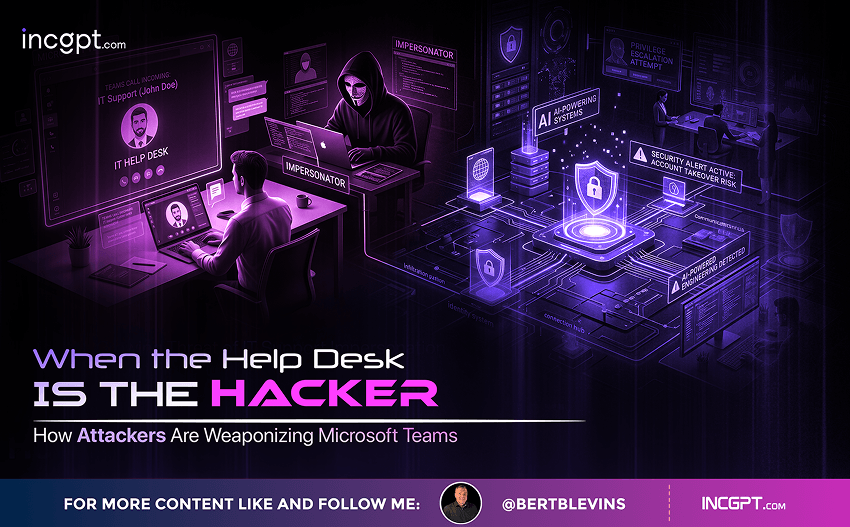
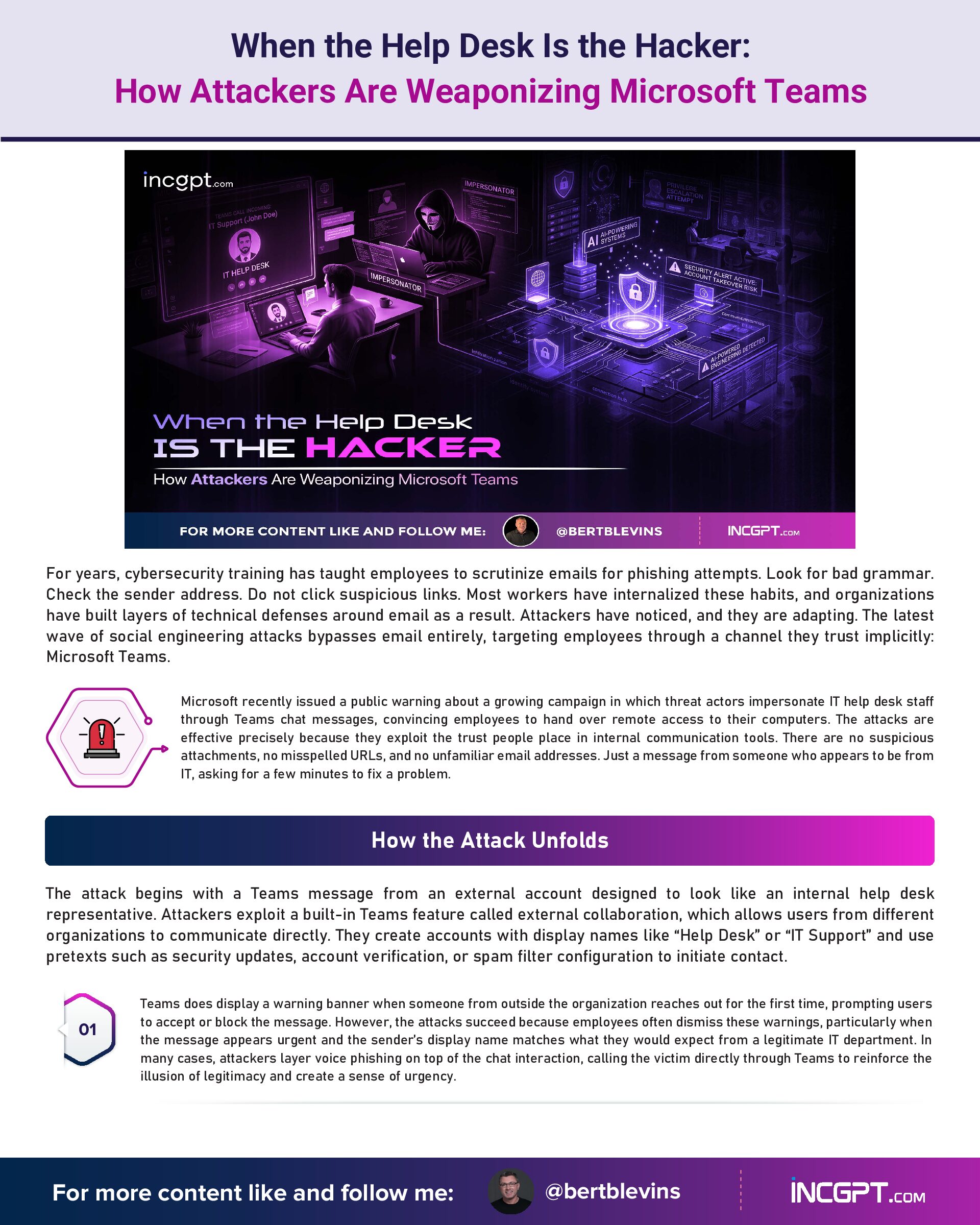
Microsoft recently issued a public warning about a growing campaign in which threat actors impersonate IT help desk staff through Teams chat messages, convincing employees to hand over remote access to their computers. The attacks are effective precisely because they exploit the trust people place in internal communication tools. There are no suspicious attachments, no misspelled URLs, and no unfamiliar email addresses. Just a message from someone who appears to be from IT, asking for a few minutes to fix a problem.

How the Attack Unfolds

The attack begins with a Teams message from an external account designed to look like an internal help desk representative. Attackers exploit a built-in Teams feature called external collaboration, which allows users from different organizations to communicate directly. They create accounts with display names like “Help Desk” or “IT Support” and use pretexts such as security updates, account verification, or spam filter configuration to initiate contact.
Teams does display a warning banner when someone from outside the organization reaches out for the first time, prompting users to accept or block the message. However, the attacks succeed because employees often dismiss these warnings, particularly when the message appears urgent and the sender’s display name matches what they would expect from a legitimate IT department. In many cases, attackers layer voice phishing on top of the chat interaction, calling the victim directly through Teams to reinforce the illusion of legitimacy and create a sense of urgency.
Once trust is established, the attacker asks the victim to open Quick Assist, a built-in Windows application that allows one user to view or remotely control another’s computer. The victim enters a short code provided by the attacker and approves the connection. At that point, the attacker has interactive remote access to the workstation, and the real damage begins.

What Happens After Access Is Granted

With remote control of the victim’s machine, attackers move quickly. Within the first few minutes, they typically run command-line tools and PowerShell scripts to assess the environment: checking user privilege levels, domain membership, network connectivity, and the potential for lateral movement across the organization. If the compromised machine has sufficient access, the attacker proceeds to establish a more persistent foothold.
The techniques used at this stage are deliberately designed to avoid detection. Attackers drop small files into common system directories and use a method called DLL sideloading, where a legitimate, vendor-signed executable is tricked into loading a malicious library file. This allows the attacker’s code to run under the identity of a trusted program, making it far harder for security tools to flag the activity as suspicious.
From this initial foothold, attackers pivot laterally through the network using native Windows protocols such as Windows Remote Management. They target high-value assets, including domain controllers and identity infrastructure. To maintain access even if the initial entry point is discovered, they install commercial remote management tools through standard Windows installer commands, creating a secondary access channel that looks like legitimate IT software.

Data Theft That Looks Like Normal Activity

The final objective in most observed attacks is data exfiltration. Attackers use utilities like Rclone, a command-line tool designed for synchronizing files with cloud storage services, to copy sensitive business documents to external locations. They configure transfer filters to focus on high-value files while excluding large or noisy file types that might trigger data loss prevention alerts.
What makes this attack chain particularly dangerous is that every step relies on legitimate tools and standard administrative protocols. Teams is a trusted communication platform. Quick Assist is a built-in Windows feature. The lateral movement uses native Windows management capabilities. The remote access tools are commercial products used by real IT departments.
The file transfer utilities are openly available and widely used for legitimate purposes. From the perspective of most monitoring systems, the entire chain of activity resembles routine IT support operations.

Why Traditional Defenses Fall Short

This attack pattern exploits a fundamental gap in how most organizations approach security. Email-centric defenses, which have been the backbone of anti-phishing strategies for over a decade, offer no protection when the initial contact happens through Teams. Endpoint detection tools may struggle to flag activity that consists entirely of legitimate software being used for its intended purpose. And employee training programs that focus on identifying suspicious emails do not prepare workers to question a chat message from someone who appears to be their own IT department.
The attackers behind these campaigns are sophisticated and well-resourced. Microsoft has linked some of the activity to groups associated with ransomware operations, including clusters tracked under names like Storm-1811 and Blitz Brigantine. These groups have previously been connected to ransomware families such as Black Basta and Cactus. Their use of social engineering through collaboration platforms represents an evolution in tactics, moving away from malware-heavy approaches toward attacks that rely on human trust and legitimate tools.

Defending Against the New Playbook

Protecting against these attacks requires a combination of technical controls and cultural changes. On the technical side, organizations should restrict external collaboration in Teams to approved domains only, preventing unknown external accounts from initiating conversations with employees. Quick Assist and similar remote support tools should be limited to authorized help desk personnel, with session logging and authentication requirements enforced.
Application allow-listing can prevent unauthorized executables and DLLs from running, particularly in user-writable directories where attackers typically stage their payloads. Network monitoring should flag outbound connections from processes that do not normally communicate externally, and lateral movement through protocols like Windows Remote Management should be restricted to designated administrative workstations.
Microsoft recommends enabling Safe Links for Teams to provide time-of-click URL protection, deploying Zero-hour Auto Purge to remove malicious messages after delivery, enforcing conditional access policies with multi-factor authentication for privileged roles, and using advanced hunting queries to detect patterns associated with this attack chain.
Perhaps most importantly, organizations need to update their security awareness training. Employees should understand that legitimate IT departments will never initiate unsolicited remote access sessions through Teams chat. Some organizations have adopted a simple but effective countermeasure: establishing a verbal code word that real help desk staff use to verify their identity. If someone claiming to be from IT cannot provide the code word, the request should be treated as suspicious and reported immediately.

The Bigger Picture

The shift from email phishing to collaboration platform abuse reflects a broader trend in the threat landscape. As organizations harden one attack surface, adversaries move to the next. Collaboration tools like Microsoft Teams have become central to how modern businesses operate, and that centrality makes them attractive targets. The trust employees place in these platforms is the same trust that attackers exploit.
The lesson is not that Teams is inherently insecure. It is that any tool trusted by employees can be weaponized through social engineering, and defenses must evolve to account for that reality. The organizations that will fare best are the ones that treat security as a continuous process of adaptation rather than a fixed set of rules built around yesterday’s threats.
When the Help Desk Is the Hacker How Attackers Are Weaponizing Microsoft Teams
Download Full Article PDF
Get the complete guide in PDF format for offline reading.

On This Page

Published

23/04/2026

PDF

Available

Video

Available

Share This Article
When the Help Desk Is the Hacker How Attackers Are Weaponizing Microsoft Teams
PDF
Download Full Article PDF
Get the complete guide in PDF format for offline reading.
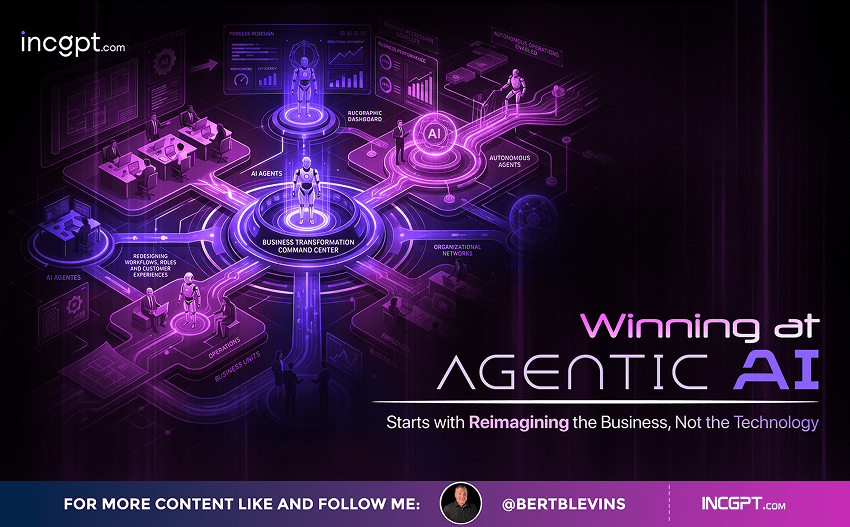
New Pega research finds that the organizations getting real value from AI agents begin by rethinking how their business works — not by chasing the technology itself.
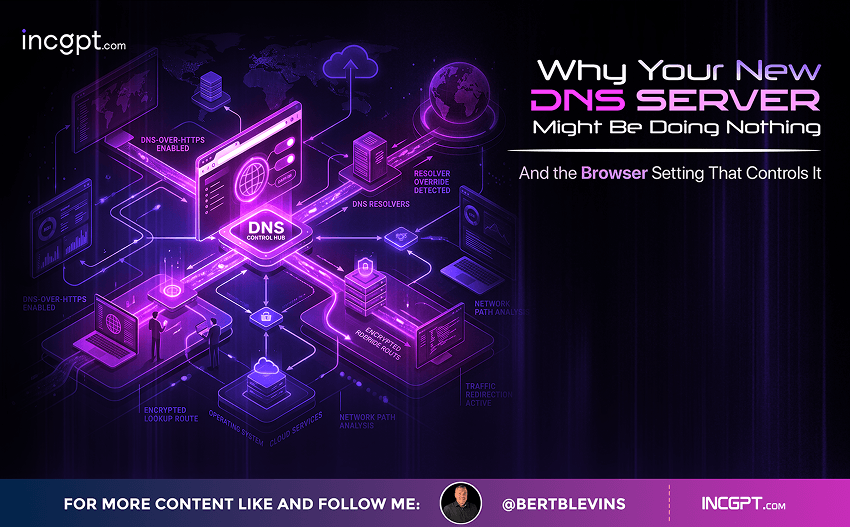
Switching to Cloudflare, NextDNS or your own Pi-hole feels like a quick win for speed and privacy. The catch: your browser may quietly ignore every change you made.
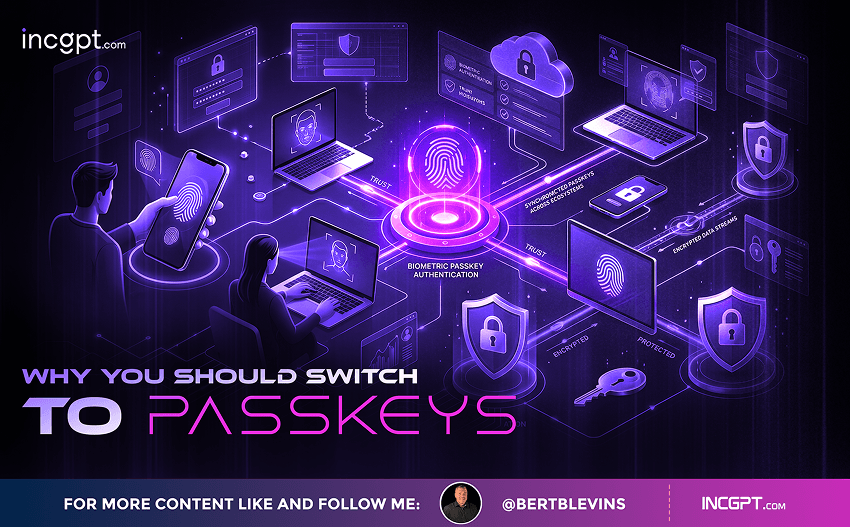
In the era of constant data breaches and hacking threats, traditional passwords are increasingly seen as outdated and vulnerable. Even with password managers in place, the reliance on passwords remains a significant security risk. Enter passkeys—an innovative and much more secure alternative to passwords that is quickly gaining traction among companies and users alike. This article will explore how passkeys work, why they are more secure than passwords, the challenges involved in their adoption, and how you can start using them today.

For the better part of two years, the dominant story about artificial intelligence in the workplace has been one of replacement. Barely a week passes without another headline announcing layoffs tied to automation, and the message has been hard to miss: human roles are on the way out, and AI agents are stepping in. Spend a little time scrolling through professional networks and you might conclude that tomorrow’s company will be little more than a thin layer of managers supervising fleets of software.
© 2026 BertBlevins.com · All Rights Reserved