AI Article

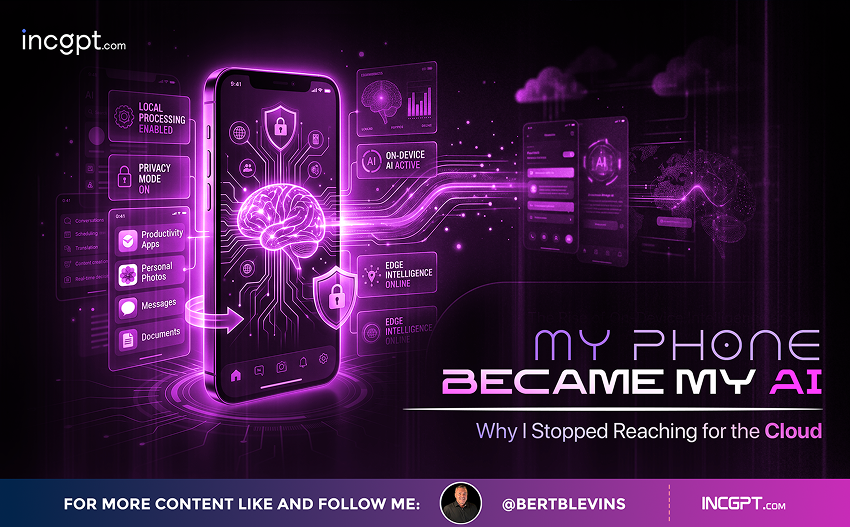
My Phone Became My AI Why I Stopped Reaching for the Cloud

My Phone Became My AI: Why I Stopped Reaching for the Cloud

Running a small language model directly on a smartphone turned out to be more capable, more private, and more practical than years of cloud chatbots ever delivered.
There is a quiet shift happening in how people use AI, and it has very little to do with the latest flagship release from a major lab. After spending months bouncing between cloud chatbots, I installed a local large language model on my phone and discovered that, for most of what I actually do day to day, the cloud version simply was not necessary anymore.
The common assumption is that running an AI model requires a server farm or, at the very least, a high-end gaming PC. That belief is now out of date. Modern smartphones, paired with the right app and a sensibly sized model, can host a fully offline AI assistant that handles a surprising slice of everyday work.

The cloud problem nobody likes to talk about

Cloud chatbots are excellent when conditions are perfect. Stable internet, an active subscription, no concerns about what you are typing, and you have one of the best tools ever built for productivity. The trouble starts when any of those conditions slip.
Step into a basement parking lot, board a long flight, drive through a stretch of countryside without coverage, and your AI workflow simply stops working. Beyond connectivity, there is the privacy question. Every prompt, every uploaded contract, every late-night question goes through a third-party server, governed by terms of service that change without much fanfare. And free tiers come with quiet usage caps that nudge you toward a monthly subscription. A local model removes all three of those problems in one move.

What actually fits on a phone today

To be clear, you are not running a frontier model on a handset. What runs on a phone is a quantized model, which is a compressed version of a larger network that has been trimmed down so it can fit into a few gigabytes of memory and run on a phone-grade processor. The compression sacrifices some accuracy in exchange for the ability to live entirely on the device.
Even with that trade-off, the practical capability is remarkable. Models in the two to four billion parameter range can hold a coherent conversation, summarize a long block of text, draft an email, explain a confusing error message, translate between common languages, and answer general knowledge questions without ever touching a network. On a recent Snapdragon-class phone, response speeds typically land around eight to ten tokens per second, which is fast enough that the conversation feels natural.

The apps that make it possible

Several Android apps have matured to the point where setup is no harder than installing any other utility. MNN Chat, an open-source project from Alibaba, has emerged as a standout because its inference engine was built specifically for mobile hardware rather than ported down from a desktop framework. It supports Qwen models out of the box and lets you swap between repositories such as Hugging Face, ModelScope, and Modelers, with categories spanning text, vision, audio, and audio generation.
Google’s AI Edge Gallery is another solid starting point, available on both Android and iOS, and it makes the Gemma family of models particularly easy to load. SmolChat is a lightweight option for phones that can handle any GGUF-format model, offering a clean ChatGPT-style interface with offline summarization and rewriting. MLC Chat rounds out the options for users who want a polished, beginner-friendly setup with strong support for newer chipsets that include dedicated AI acceleration.

Where local models genuinely beat the cloud

The most underrated benefit of an on-device model is the freedom to ask anything without hesitation. Personal questions about health, finances, relationships, or other private matters never feel quite right when typed into a service tied to your account. With a local model, the conversation never leaves the device. Switching to airplane mode confirms it: a fully air-gapped exchange with an AI.
The same logic applies to professional work. Pasting proprietary code, internal documentation, client configurations, or anything covered by a non-disclosure agreement into a cloud model is a risk that no terms-of-service paragraph can fully neutralize. A local model on a phone becomes a useful fallback when the laptop is out of reach, capable of explaining a small function, decoding an error message, or producing a quick utility script. It is not a replacement for a real IDE, but it fills the gap.
There is also the offline travel use case. A local model becomes a translator in a remote village, a brainstorming partner on a long flight, and a study aid in a classroom with bad reception. None of those situations work with a cloud-only assistant.

Honest limits worth knowing about

Local models on a phone are not a one-for-one replacement for the largest cloud systems. The smaller the model, the more likely it is to hallucinate when pushed into deep reasoning, large context windows, or specialized technical territory. For multi-step coding tasks, complex research, or anything that benefits from real-time web access, the cloud still wins.
Hardware also matters. A modern flagship with eight to twelve gigabytes of RAM will run small models comfortably, while older or budget devices will struggle to load even a two-billion parameter model. Storage is another factor to plan for, since a single capable model weighs anywhere from one to four gigabytes. Battery drain is real as well: a long local AI session can pull noticeable power, and most apps now include a power-saving mode for exactly that reason.
Choosing a quantization level is a balancing act. Four-bit quantized variants save space and run faster but tend to falter on detailed reasoning, while eight-bit versions retain more nuance at the cost of memory. For most everyday tasks, the four-bit options are perfectly fine.

A simple way to get started

Anyone with a recent phone can be running a local model in less than fifteen minutes. The recipe is simple: install MNN Chat or Google AI Edge Gallery, browse the built-in model catalog, choose a model in the two to four billion parameter range that suits your hardware, and download it on Wi-Fi to save mobile data. From there, you start prompting just as you would with any chatbot.
It is worth running a few benchmark prompts on the first day to see what the model is actually good at on your specific device. Some models excel at summarization, others at coding explanations, others at multilingual conversation. Settling on one or two reliable choices, rather than constantly hopping between models, makes the experience feel much more like a real assistant.

The bigger shift this represents

The point of running an AI on your phone is not to abandon cloud services. The largest hosted models will continue to lead on the hardest problems, and there are tasks where their advantages are obvious. The point is that a meaningful chunk of daily AI use, the routine cleanups, the quick translations, the small explanations, the private questions, never actually needed a data center to begin with.
Once that becomes clear, the calculus changes. The phone in your pocket is not just a window into someone else’s AI service. It is now capable of being its own AI, available offline, owned outright, and answerable to no one but you. For a growing number of users, that quiet shift is starting to feel less like a hobby experiment and more like the way personal computing was always supposed to work.
My Phone Became My AI Why I Stopped Reaching for the Cloud
Download Full Article PDF
Get the complete guide in PDF format for offline reading.

On This Page

Published

03/05/2026

PDF

Available

Video

Available

Share This Article
My Phone Became My AI Why I Stopped Reaching for the Cloud
PDF
Download Full Article PDF
Get the complete guide in PDF format for offline reading.
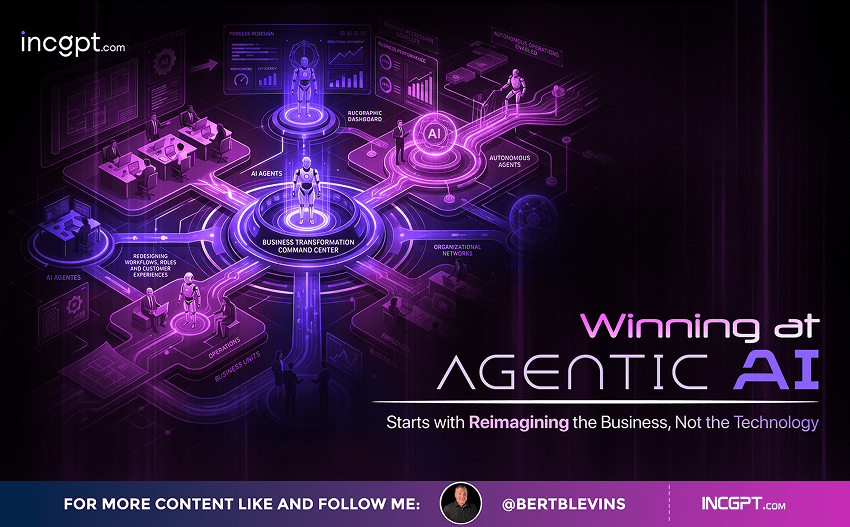
New Pega research finds that the organizations getting real value from AI agents begin by rethinking how their business works — not by chasing the technology itself.
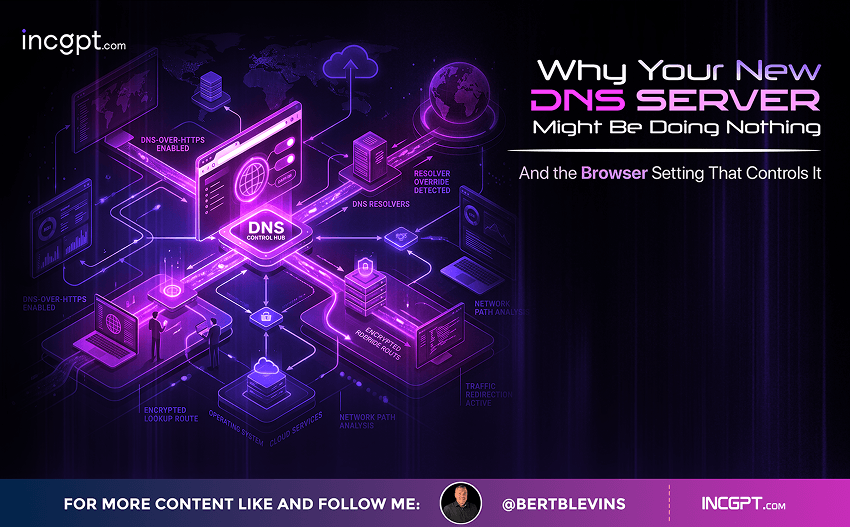
Switching to Cloudflare, NextDNS or your own Pi-hole feels like a quick win for speed and privacy. The catch: your browser may quietly ignore every change you made.
In the era of constant data breaches and hacking threats, traditional passwords are increasingly seen as outdated and vulnerable. Even with password managers in place, the reliance on passwords remains a significant security risk. Enter passkeys—an innovative and much more secure alternative to passwords that is quickly gaining traction among companies and users alike. This article will explore how passkeys work, why they are more secure than passwords, the challenges involved in their adoption, and how you can start using them today.

For the better part of two years, the dominant story about artificial intelligence in the workplace has been one of replacement. Barely a week passes without another headline announcing layoffs tied to automation, and the message has been hard to miss: human roles are on the way out, and AI agents are stepping in. Spend a little time scrolling through professional networks and you might conclude that tomorrow’s company will be little more than a thin layer of managers supervising fleets of software.
© 2026 BertBlevins.com · All Rights Reserved