Understanding the Model Context Protocol (MCP)
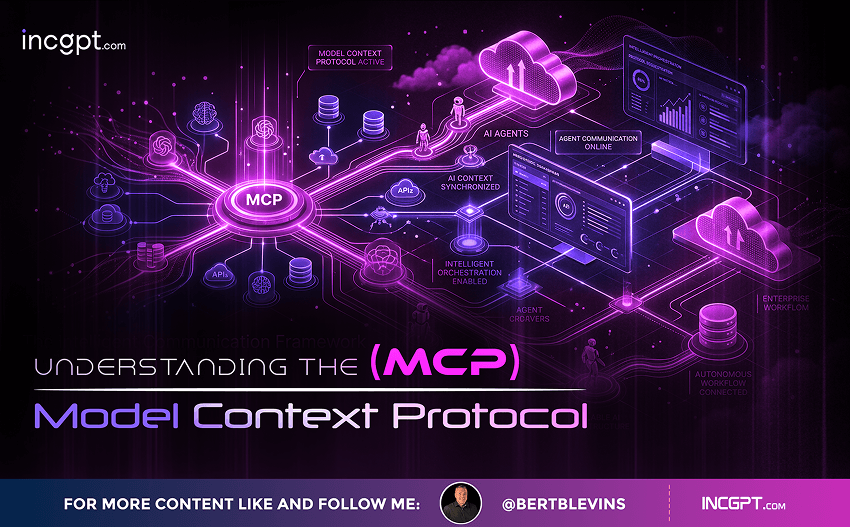
Let me explain the Model Context Protocol, or MCP for short. It’s a clever new approach designed to make it much easier to connect different AI models—like Claude, GPT-4, or Llama—with various tools, such as Slack, GitHub, or customer relationship management (CRM) systems. Think of it as a helpful bridge that simplifies these connections. MCP doesn’t replace the existing APIs (application programming interfaces) that tools already have; instead, it builds on top of them to create a more standardized way of working together.
In the old way of doing things, if you have N different AI models and M different tools, you’d end up with an “N times M” problem—meaning you’d need a custom setup for every single pair of model and tool. That’s a lot of work! MCP changes this to a simpler “N plus M” setup. You just adapt each AI model once to MCP, and each tool once to MCP, and then everything can connect through this common protocol without all the extra hassle.
The Problems with Traditional Manual Integrations
To understand why MCP is useful, let’s break down the common challenges in connecting AI models to tools the old-fashioned way. These integrations often require hands-on effort for each combination, and here’s what typically goes wrong:
1. Unique function schemas for each model: Every AI model has its own “language” or format for sending and receiving information. So, you have to create a specific schema (like a blueprint) for how it talks to each tool, which varies from model to model.
2. Custom handler code for every tool: Tools don’t all work the same, so you need to write special code to handle interactions for each one. This can take a lot of time and is prone to bugs if something changes.
3. Different authentication methods: Security is key, but each tool might use its own way to verify users—like passwords, tokens, or APIs keys. Managing all these separately increases complexity and the chance of security slip-ups.
4. Loss of context between steps: When an AI model switches from one tool to another during a task, it might forget important details from earlier steps. This leads to mistakes or incomplete results, like starting a conversation over from scratch.
5. Rebuilding everything for new additions: Every time you add a new tool or update an AI model, you have to start the integration process all over again. It’s like reinventing the wheel each time, which slows down development and makes scaling up difficult.
These issues add up to a process that’s not only inefficient but also frustrating, especially as AI projects get bigger and more complex.
How MCP Solves These Issues
Now, let’s dive into how MCP fixes these problems. It works as a standardized layer that sits on top of the existing APIs, making everything smoother and more reliable. Here’s what it offers, explained step by step:
1. A single, ongoing two-way connection: Instead of setting up a new connection every time an AI model needs to talk to a tool, MCP establishes one persistent link that stays open. This is like having a direct phone line that’s always ready, avoiding the back-and-forth of repeated setups.
2. Seamless context preservation: In traditional systems, context (like previous decisions or data) can get lost when jumping between tools. MCP keeps track of everything automatically, so the AI model remembers the full picture and can continue tasks without interruptions.
3. Dynamic discovery of capabilities: AI agents using MCP can “ask” tools what they can do at runtime—meaning right when the interaction happens. This way, the system adapts on the fly without needing pre-programmed details about every possible feature.
4. AI agents that work without custom schemas: Forget about tailoring unique formats for each model-tool pair. MCP lets AI agents interact with tools in a more universal way, cutting down on the need for specialized configurations.
To help visualize this, consider REST APIs (a common way services communicate online) as highways for data. They’re great for getting information from point A to point B, but you still need custom directions for each trip. MCP is like providing a smart, standardized car that knows how to drive on any highway efficiently—no need for a new driver every time.
When Should You Use MCP?
MCP shines in certain situations where traditional methods start to fall apart. Here’s when it makes the most sense to bring it in:
Creating workflows with multiple tools: If your process involves chaining together five or more tools (like pulling data from a CRM, analyzing it in an AI model, and posting updates to Slack), MCP streamlines the connections so you don’t have to build custom links for every step.
Dealing with frequent tool changes: Tools evolve—new features get added, or you switch to a different one. If you’re constantly tweaking your code to keep up, MCP handles these updates behind the scenes, saving you from ongoing maintenance headaches.
Needing runtime adaptability: Sometimes, you want AI models to figure out new tool features as they go, without advance setup. MCP’s dynamic discovery makes this possible, allowing your system to evolve without manual tweaks.
Scaling to many integrations: As your project grows to include dozens of tools, MCP keeps everything organized and connected, preventing the chaos of managing a web of custom setups.
Simplifying security: Rather than juggling separate logins and permissions for each tool, MCP provides a central security system. This makes it easier to manage access and reduces risks.
Why Does MCP Really Matter?
In essence, the Model Context Protocol is a game-changer for anyone working with AI because it cuts through the complexity of integrations. By standardizing how AI models and tools communicate, it eliminates the need for endless custom work, makes workflows more efficient, and helps avoid common pitfalls like errors or lost data.
As AI becomes a bigger part of business and development, systems are getting more intricate with multiple tools interacting at once. MCP helps you scale up without getting overwhelmed, freeing up time and resources for what really counts—like innovating and solving real problems—instead of wrestling with integration details. It’s all about making AI more accessible and productive for everyone involved.