AI Article

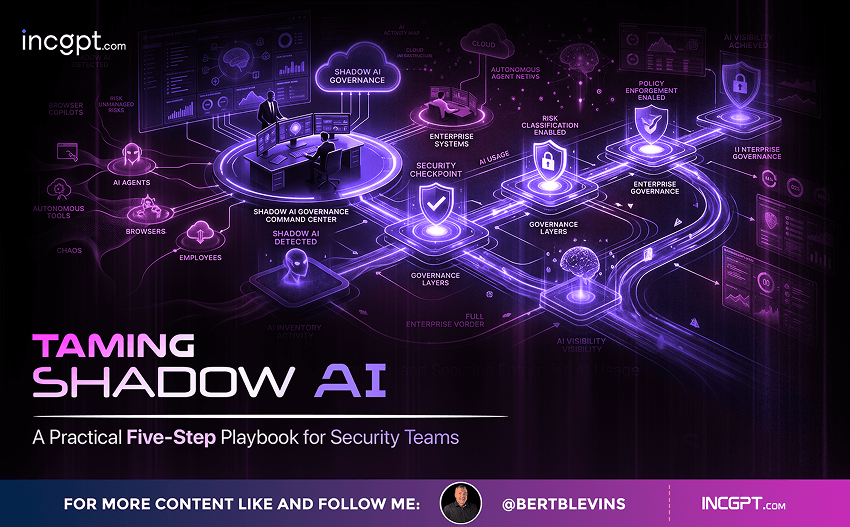
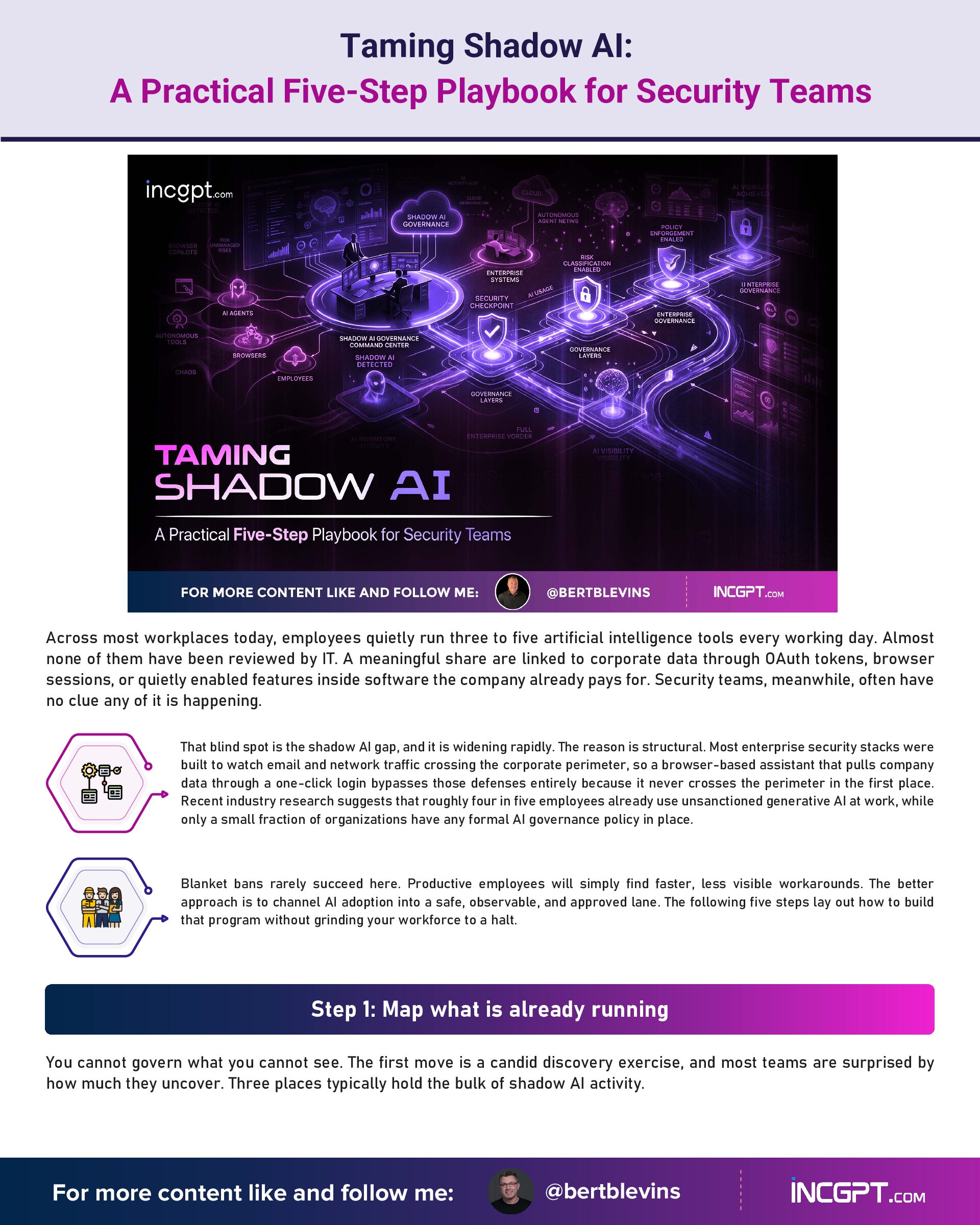
Taming Shadow AI – A Practical Five-Step Playbook for Security Teams

Taming Shadow AI: A Practical Five-Step Playbook for Security Teams

Across most workplaces today, employees quietly run three to five artificial intelligence tools every working day. Almost none of them have been reviewed by IT. A meaningful share are linked to corporate data through OAuth tokens, browser sessions, or quietly enabled features inside software the company already pays for. Security teams, meanwhile, often have no clue any of it is happening.
That blind spot is the shadow AI gap, and it is widening rapidly. The reason is structural. Most enterprise security stacks were built to watch email and network traffic crossing the corporate perimeter, so a browser-based assistant that pulls company data through a one-click login bypasses those defenses entirely because it never crosses the perimeter in the first place. Recent industry research suggests that roughly four in five employees already use unsanctioned generative AI at work, while only a small fraction of organizations have any formal AI governance policy in place.
Blanket bans rarely succeed here. Productive employees will simply find faster, less visible workarounds. The better approach is to channel AI adoption into a safe, observable, and approved lane. The following five steps lay out how to build that program without grinding your workforce to a halt.

Step 1: Map what is already running

You cannot govern what you cannot see. The first move is a candid discovery exercise, and most teams are surprised by how much they uncover. Three places typically hold the bulk of shadow AI activity.
The first is OAuth-connected applications. Most AI tools ask permission to read or write data inside Google Workspace or Microsoft 365 through OAuth grants, often handing third parties extensive scopes over shared drives, mailboxes, and calendars. A quarterly review of connected third-party apps, sorted by permission level, almost always surfaces dozens of unfamiliar entries.
The second is browser extensions. Many AI assistants live entirely inside the browser, never touching the operating system, so endpoint management tools never see them. A browser-management platform or a lightweight inventory agent can finally bring those extensions into view.
The third is AI features bundled inside tools already on your approved list. Note-takers, CRMs, design suites, and collaboration platforms now ship AI capabilities by default, often turned on with little fanfare. Treat every approved vendor as a potential AI vendor and check what they have quietly enabled.

Step 2: Offer approved alternatives that genuinely work

Once you know what people are reaching for, give them something better. If your sanctioned option is clunky, slow, or limited compared with the free tool down the road, employees will not adopt it. They will keep working around you.
Pick fit-for-purpose options for the use cases that matter most: a writing and research assistant for general knowledge work, a code assistant for engineering, a meeting note-taker for sales and customer success, and so on. Make access trivial through single sign-on, license seats generously, and invest in onboarding so people feel productive within the first week. The cleanest way to shrink shadow AI is to make the approved path the easiest path.

Step 3: Write policies people can actually follow

A long, legalistic policy buried in a portal nobody reads will not change behavior. The policies that work are short, specific, and practical. At a minimum, they should cover three things: a current list of approved tools and where to find them; clear data classification rules naming the categories that may never be entered into any AI system, including customer records, financial details, and source code; and an acceptable use statement that ties AI governance to existing identity, role, and data protection controls.
Pair the policy with a fast review path for new tools. If a thorough evaluation takes two weeks instead of two months, employees stop feeling that going around security is their only realistic option.

Step 4: Coach in the moment, not once a quarter

Annual training has limited shelf life when the AI landscape rewrites itself every few weeks. Just-in-time coaching works better. The idea is simple. When an employee tries to use an unsanctioned tool, a short contextual prompt appears in the browser explaining the concern, pointing to an approved alternative, and ideally fitting inside thirty seconds of reading time.
This kind of intervention beats classroom training for one reason. It happens precisely at the moment a decision is being made, with a real workflow on the line. People remember the lesson because it was tied to something they were actively trying to accomplish.

Step 5: Teach the reasoning, not just the rules

Behind every policy is a principle. Training that explains why matters far more than training that lists what is forbidden, because the tool landscape will keep mutating faster than any approved-app spreadsheet can track.
An employee who understands that an OAuth grant to corporate Google Workspace can expose an entire shared drive to a third-party vendor will apply that judgment to tools that did not even exist six months earlier. An engineer who understands why proprietary source code should never enter a public model will make sound decisions about extensions, plugins, and copilots that have not been written yet. The goal is durable judgment, not memorized rules.

A productive ending, not a war on AI

Shadow AI is rarely a discipline problem. It is a sign that your workforce is moving fast and looking for an edge. Treat it that way. Security teams that close the visibility gap, offer credible approved options, write usable policies, intervene at the point of risk, and build genuine AI literacy tend to see unsanctioned usage decline on its own.
Browser-native visibility, frictionless paths to approved tools, and contextual coaching at the moment of risk are what make that possible. When employees have effective, sanctioned options and a fast, transparent process for getting new ones reviewed, the incentive to work around the system mostly disappears, and shadow AI quietly stops being the problem it once was.
Taming Shadow AI – A Practical Five-Step Playbook for Security Teams
Download Full Article PDF
Get the complete guide in PDF format for offline reading.

On This Page

Published

19/05/2026

PDF

Available

Video

Available

Share This Article
Taming Shadow AI – A Practical Five-Step Playbook for Security Teams
PDF
Download Full Article PDF
Get the complete guide in PDF format for offline reading.
New Pega research finds that the organizations getting real value from AI agents begin by rethinking how their business works — not by chasing the technology itself.
Switching to Cloudflare, NextDNS or your own Pi-hole feels like a quick win for speed and privacy. The catch: your browser may quietly ignore every change you made.
In the era of constant data breaches and hacking threats, traditional passwords are increasingly seen as outdated and vulnerable. Even with password managers in place, the reliance on passwords remains a significant security risk. Enter passkeys—an innovative and much more secure alternative to passwords that is quickly gaining traction among companies and users alike. This article will explore how passkeys work, why they are more secure than passwords, the challenges involved in their adoption, and how you can start using them today.

For the better part of two years, the dominant story about artificial intelligence in the workplace has been one of replacement. Barely a week passes without another headline announcing layoffs tied to automation, and the message has been hard to miss: human roles are on the way out, and AI agents are stepping in. Spend a little time scrolling through professional networks and you might conclude that tomorrow’s company will be little more than a thin layer of managers supervising fleets of software.
© 2026 BertBlevins.com · All Rights Reserved