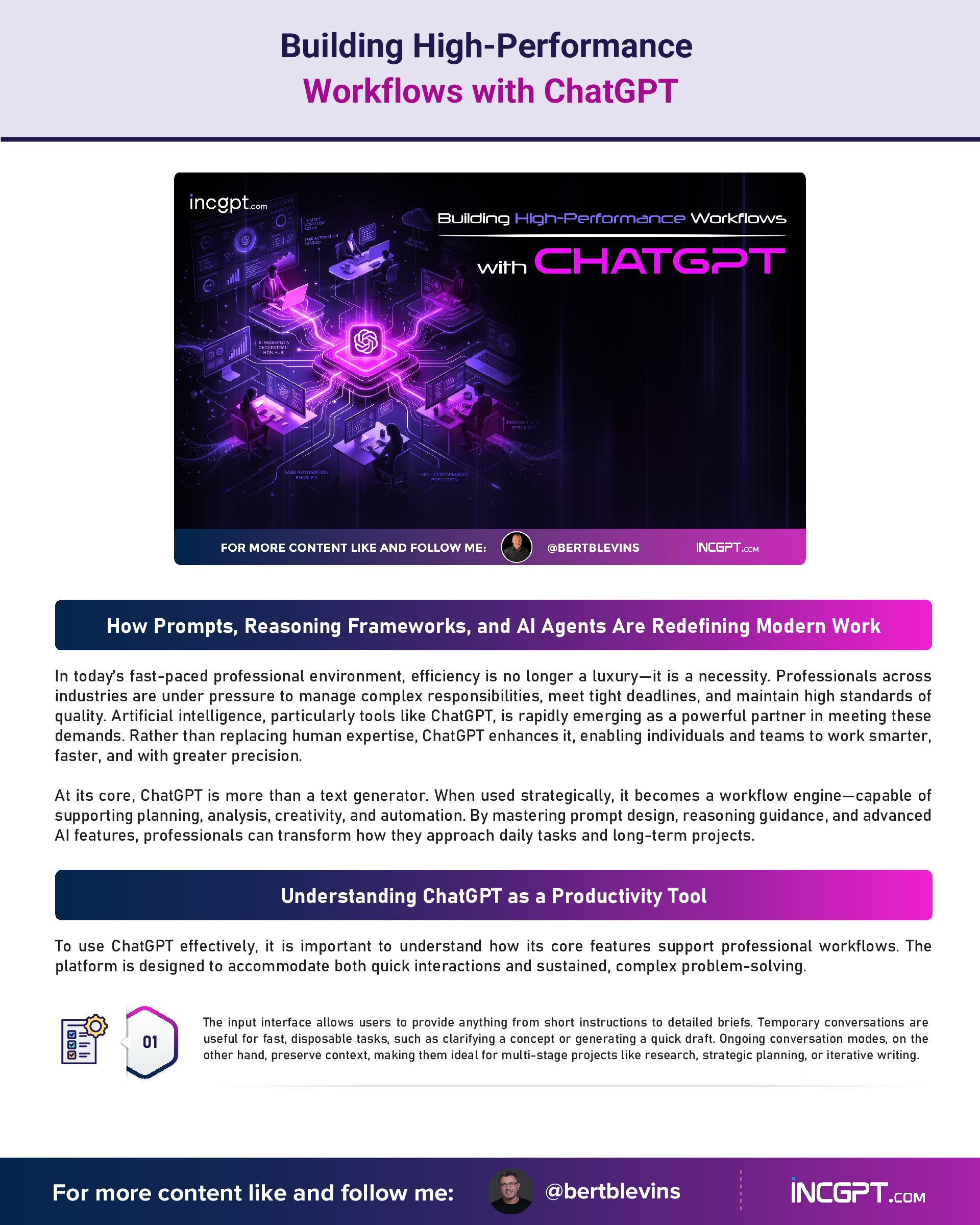
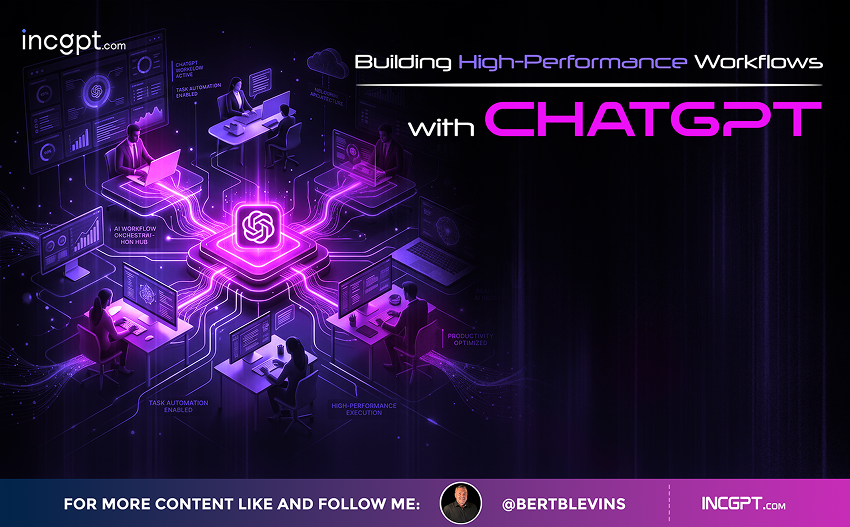
Building High-Performance Workflows with ChatGPT
How Prompts, Reasoning Frameworks, and AI Agents Are Redefining Modern Work
In today’s fast-paced professional environment, efficiency is no longer a luxury—it is a necessity. Professionals across industries are under pressure to manage complex responsibilities, meet tight deadlines, and maintain high standards of quality. Artificial intelligence, particularly tools like ChatGPT, is rapidly emerging as a powerful partner in meeting these demands. Rather than replacing human expertise, ChatGPT enhances it, enabling individuals and teams to work smarter, faster, and with greater precision.
At its core, ChatGPT is more than a text generator. When used strategically, it becomes a workflow engine—capable of supporting planning, analysis, creativity, and automation. By mastering prompt design, reasoning guidance, and advanced AI features, professionals can transform how they approach daily tasks and long-term projects.
Understanding ChatGPT as a Productivity Tool
To use ChatGPT effectively, it is important to understand how its core features support professional workflows. The platform is designed to accommodate both quick interactions and sustained, complex problem-solving.
The input interface allows users to provide anything from short instructions to detailed briefs. Temporary conversations are useful for fast, disposable tasks, such as clarifying a concept or generating a quick draft. Ongoing conversation modes, on the other hand, preserve context, making them ideal for multi-stage projects like research, strategic planning, or iterative writing.
Equally important are ChatGPT’s different reasoning depths. Simpler queries benefit from fast, surface-level responses, while analytical or high-stakes tasks require deeper reasoning. Choosing the right interaction style ensures that outputs match the complexity of the task at hand.
Prompt Engineering: The Foundation of Effective AI Use
The quality of ChatGPT’s responses depends heavily on how instructions are framed. Clear, structured prompts reduce ambiguity and lead to more actionable outputs. One of the most effective approaches is defining three elements explicitly: the role the AI should assume, the task it must perform, and the format or outcome expected.
For example, rather than asking, “Help me with marketing,” a more effective prompt would specify that ChatGPT should act as a marketing strategist, develop a campaign plan, and deliver it in a structured outline. This clarity allows the AI to align its response closely with professional expectations.
Well-designed prompts save time, reduce revisions, and improve reliability, making them a critical skill for anyone integrating AI into their workflow.
Improving Accuracy Through Guided Reasoning
In professional contexts where precision matters—such as research, reporting, or decision support—guiding the AI’s reasoning process becomes essential. ChatGPT can be instructed to pause, clarify assumptions, or request additional information before generating a final response.
One effective strategy is encouraging the AI to ask clarifying questions when instructions are incomplete. Another is explicitly telling it to confirm parameters or constraints before proceeding. These techniques are particularly useful in data analysis, policy drafting, and technical documentation, where misunderstandings can have significant consequences.
By treating ChatGPT as a collaborative assistant rather than a one-click solution, professionals can significantly enhance the accuracy and relevance of its outputs.
Advanced Features for Complex Workflows
Beyond basic interactions, ChatGPT offers advanced capabilities that support sophisticated, multi-layered workflows. Centralized project spaces allow users to organize documents, objectives, and conversations in one place, making it easier to manage ongoing initiatives without losing context.
Custom AI configurations take this a step further by allowing users to tailor behavior, tone, and output style for specific use cases. For example, a customized assistant can consistently generate content that aligns with a company’s branding or technical standards.
AI agents introduce automation into the workflow. These agents can handle sequences of tasks—such as drafting communications, updating trackers, or coordinating schedules—reducing manual effort and minimizing routine work.
Practical Applications Across Professions
The flexibility of ChatGPT makes it applicable across a wide range of professional roles. Project managers can use it to plan timelines, document requirements, and track deliverables. Content creators can streamline ideation, drafting, and editing processes while maintaining consistency. Analysts and researchers can leverage it for summarization, trend analysis, and structured reporting.
Automation features are particularly valuable for repetitive tasks that consume time but require limited creativity. By delegating these responsibilities to AI-powered workflows, professionals can focus on strategic thinking, problem-solving, and innovation.
Making ChatGPT Work for You
The real power of ChatGPT lies not in the tool itself, but in how thoughtfully it is applied. Clear prompts, guided reasoning, and strategic use of advanced features turn AI into a reliable productivity partner. While human judgment remains essential, ChatGPT enhances decision-making by accelerating processes and reducing cognitive load.
As AI continues to evolve, professionals who learn to integrate it effectively into their workflows will gain a significant advantage—freeing up time, improving quality, and redefining what productivity looks like in the modern workplace.