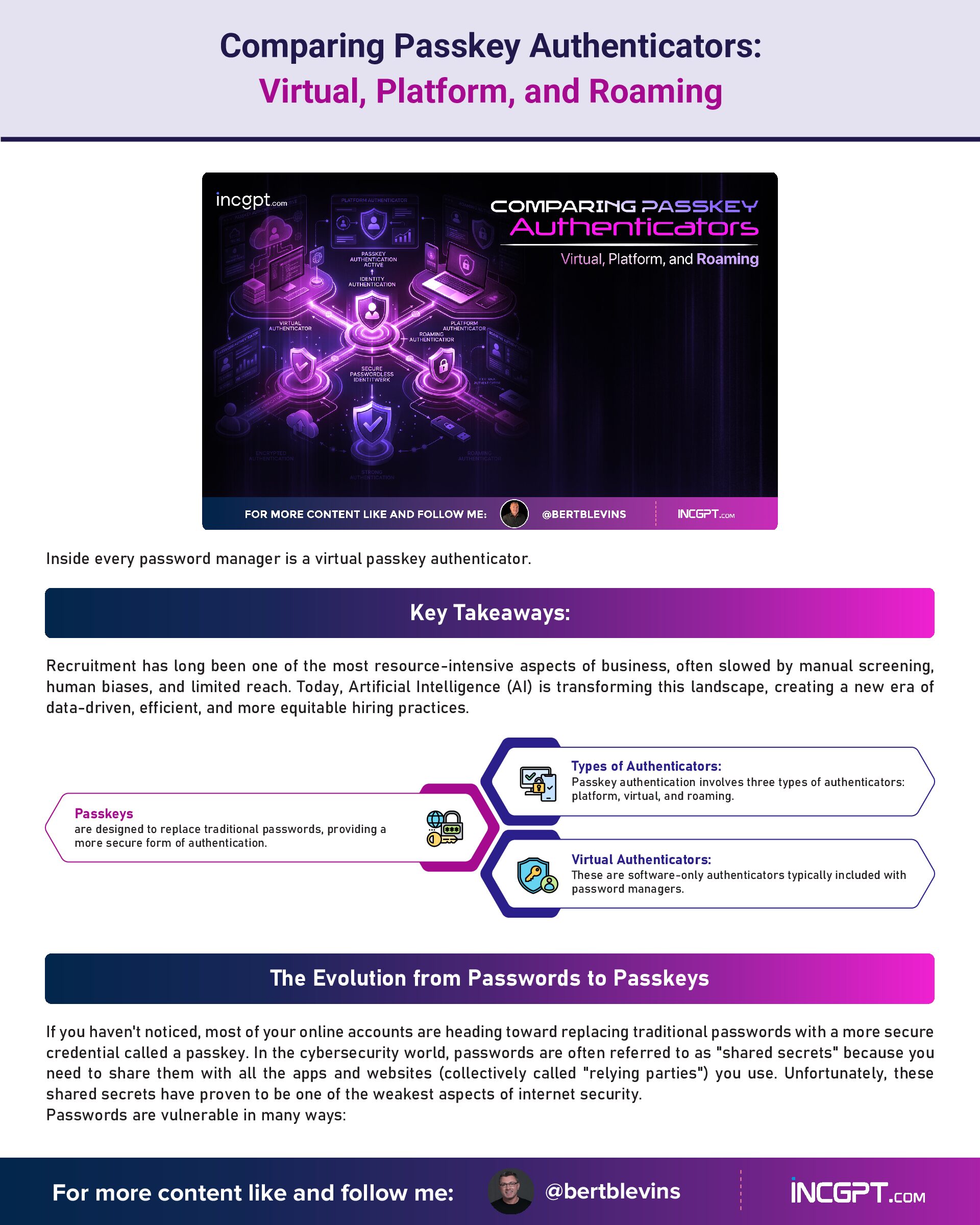
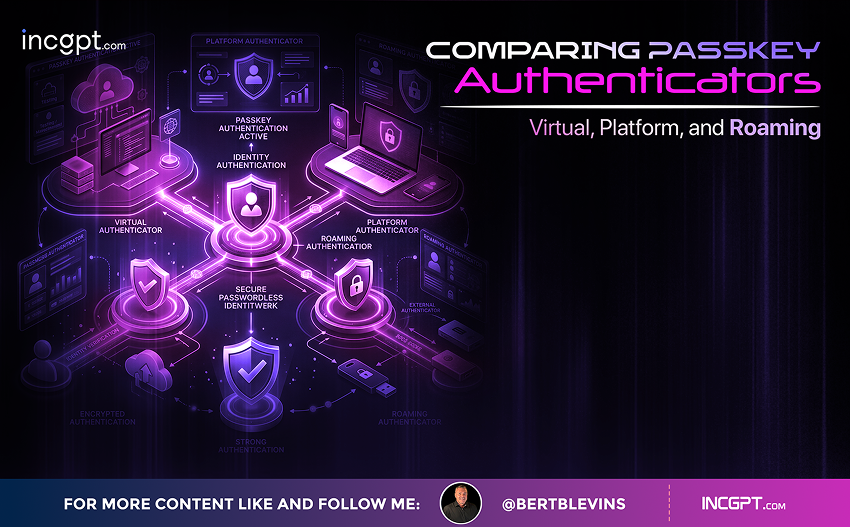
Comparing Passkey Authenticators: Virtual, Platform, and Roaming
Inside every password manager is a virtual passkey authenticator.
Key Takeaways:
- Passkeys are designed to replace traditional passwords, providing a more secure form of authentication.
- Types of Authenticators: Passkey authentication involves three types of authenticators: platform, virtual, and roaming.
- Virtual Authenticators: These are software-only authenticators typically included with password managers.
The Evolution from Passwords to Passkeys
If you haven’t noticed, most of your online accounts are heading toward replacing traditional passwords with a more secure credential called a passkey. In the cybersecurity world, passwords are often referred to as “shared secrets” because you need to share them with all the apps and websites (collectively called “relying parties”) you use. Unfortunately, these shared secrets have proven to be one of the weakest aspects of internet security.
Passwords are vulnerable in many ways:
- Weak and predictable: Many people use insecure passwords, making them easy targets for hackers.
- Social engineering attacks: Phishing and smishing techniques trick users into revealing their passwords.
- Inadequate security hygiene: Even after cybersecurity training, studies show that 98% of users can still be tricked into divulging their passwords.
The solution to these issues lies in passkeys, which eliminate the need for shared secrets. Rather than requiring users to create and remember complex passwords, passkeys rely on a more secure form of authentication.
Understanding Passkeys
Passkeys are built on the idea that security shouldn’t rely on a shared secret. Instead, passkeys use a public/private key cryptographic system. Here’s why passkeys are more secure than passwords:
- Impossibility of Guessing: Unlike passwords, passkeys cannot be easily guessed or cracked.
- Unique to Each Website: A passkey cannot be reused across different platforms, eliminating the risk of widespread exposure from one breach.
- Resistant to Social Engineering: With passkeys, you can't be tricked into revealing your credentials, as there's no password to give away.
While passkeys still involve a “secret,” the key difference is that the user never shares it. Instead, they simply prove they possess the secret without exposing it. This cryptographic process ensures that malicious actors cannot hijack or exploit passkeys, even if they manage to trick a user into interacting with them.
Passkeys are a type of credential compliant with the FIDO2 standard, governed by the FIDO Alliance. The FIDO2 standard integrates two components: the WebAuthn specification from the World Wide Web Consortium (W3C) and the Client-to-Authenticator Protocol (CTAP) from the FIDO Alliance. The authenticator, a key part of the CTAP standard, plays a central role in ensuring secure passkey workflows.
Types of Authenticators in Passkey Authentication
Passkeys rely on different types of authenticators to function. According to the WebAuthn standard, there are three primary types: platform authenticators, virtual authenticators, and roaming authenticators.
Virtual Authenticators: A Software-Only Approach
In most cases, when you’re using a passkey but not a platform authenticator, you’re likely working with a virtual authenticator. Unlike platform authenticators, which rely on the device’s built-in security hardware (like Apple’s Secure Enclave or Microsoft’s TPM chips), virtual authenticators are software-based. They don’t require any specialized hardware for cryptography or encryption tasks.
Virtual authenticators are typically part of password managers, which are tools designed to securely store and manage credentials. These virtual authenticators can be easily installed and configured by users, offering a convenient solution for managing passkeys without relying on the device’s built-in security features.
Popular virtual authenticators include password managers like:
- 1Password
- BitWarden
- Dashlane
- LastPass
- NordPass
Though many of these tools are commonly referred to as password managers, they manage much more than just passwords. These tools store and manage passkeys, enabling users to authenticate securely without relying on insecure passwords.
Why Virtual Authenticators Stand Out
Virtual authenticators are distinct from platform-based solutions in several ways:
- Cross-Platform Compatibility: Platform authenticators are often limited to specific operating systems (e.g., Apple’s iCloud Keychain is exclusive to Apple devices). In contrast, virtual authenticators prioritize cross-platform and cross-browser compatibility. They support various devices and operating systems, making them a more versatile option for users who require flexibility.
- Customizable and Feature-Rich: Virtual authenticators often provide additional features that platform authenticators may lack, such as customizable security settings, support for multiple browsers, and the ability to sync across devices. This makes them an attractive choice for users who want more control over their authentication systems.
- Competitive Landscape: The market for virtual authenticators is competitive, with vendors offering free and paid versions of their software. For instance, BitWarden offers both a free version and a premium paid version, with the latter typically providing more advanced features.
- Synchronization and Cloud Control: Many virtual authenticators offer cloud-based synchronization, allowing users to access their credentials across different devices. Some even allow customers to host their own synchronization hubs, providing greater control over sensitive data. This is particularly useful for organizations concerned about storing their data in third-party clouds.
Virtual Authenticators vs. Platform Authenticators
While platform authenticators are built into devices and require minimal user setup, virtual authenticators provide a higher degree of customization and cross-platform support. Virtual authenticators cater to both personal and business use cases, offering a broader range of features to manage authentication across multiple platforms and devices.
For example, Google Chrome can function as either a virtual or platform authenticator, depending on how it is used. While some browsers, like Apple’s Safari or Microsoft Edge, have built-in platform authenticators, Chrome requires users to install it on their devices, giving it characteristics of a virtual authenticator.
The Role of Virtual Authenticators in Passkey Adoption
As the tech industry continues transitioning to passkey-based authentication, understanding the role of virtual authenticators will be critical. With major tech companies like Apple, Google, and Microsoft already supporting passkeys, it’s only a matter of time before more websites and applications adopt this method of login.
To prepare for a passwordless future, users need to understand the importance of virtual authenticators in passkey workflows. These software-only solutions play a significant role in enabling passkey adoption, especially when platform-based authenticators are not available or desirable. By using virtual authenticators, users can ensure a more secure, streamlined, and cross-platform authentication experience.
Conclusion
As we move towards a more secure, passwordless future, passkeys and the software-only virtual authenticators that manage them represent a crucial component of modern digital security. Virtual authenticators offer the flexibility, cross-platform compatibility, and enhanced functionality needed to support the widespread adoption of passkey-based authentication.
While platform-based solutions like Apple’s and Microsoft’s built-in authenticators are great for users within their respective ecosystems, virtual authenticators offer a solution that works across different devices and operating systems, making them an attractive option for users and organizations seeking more control over their authentication workflows.
As the landscape shifts to a passkey-driven world, understanding the different types of authenticators and how they work together will be key to ensuring secure, efficient, and user-friendly authentication processes. In the next segment, we’ll explore roaming authenticators and how they further enhance the security and flexibility of passkey authentication.