AI Article

OpenClaw The No-Code Way to Build an AI Assistant That Actually Gets Work Done

OpenClaw: The No-Code Way to Build an AI Assistant That Actually Gets Work Done

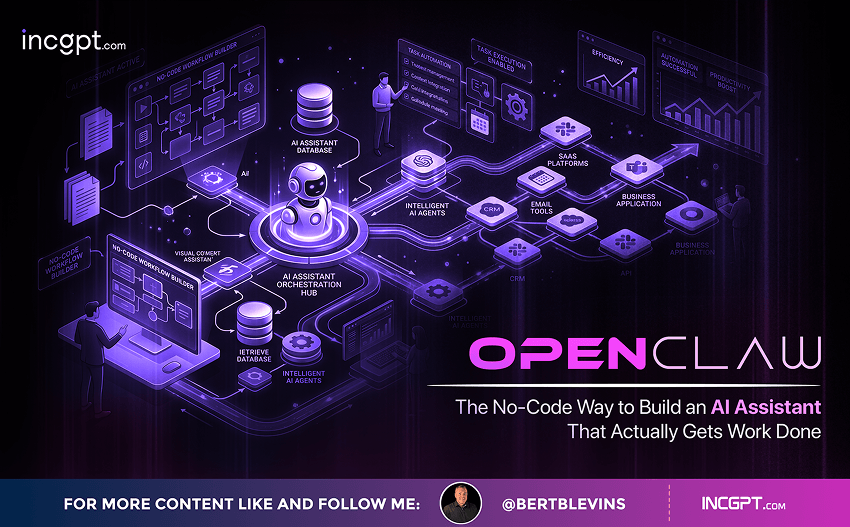
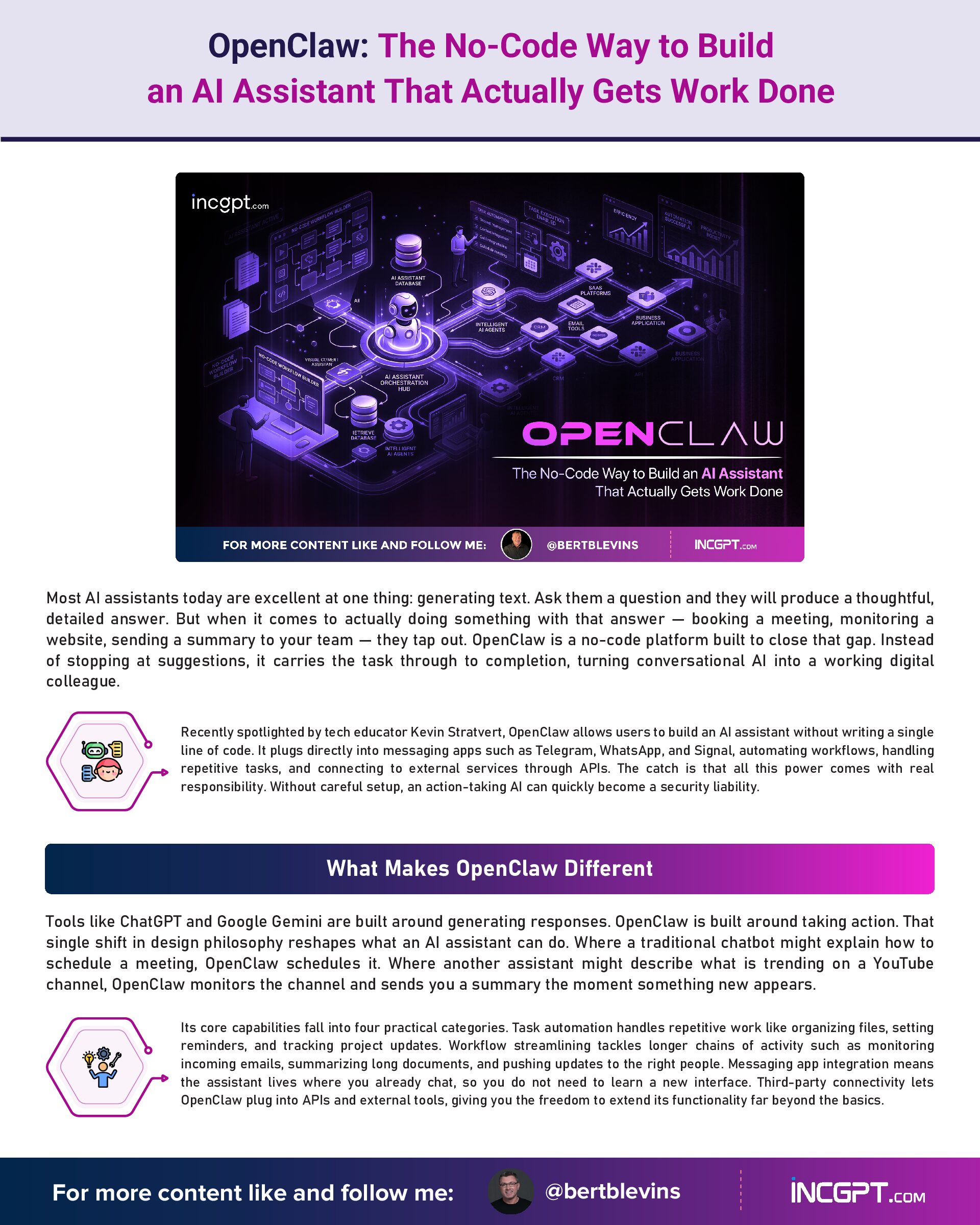
Most AI assistants today are excellent at one thing: generating text. Ask them a question and they will produce a thoughtful, detailed answer. But when it comes to actually doing something with that answer — booking a meeting, monitoring a website, sending a summary to your team — they tap out. OpenClaw is a no-code platform built to close that gap. Instead of stopping at suggestions, it carries the task through to completion, turning conversational AI into a working digital colleague.
Recently spotlighted by tech educator Kevin Stratvert, OpenClaw allows users to build an AI assistant without writing a single line of code. It plugs directly into messaging apps such as Telegram, WhatsApp, and Signal, automating workflows, handling repetitive tasks, and connecting to external services through APIs. The catch is that all this power comes with real responsibility. Without careful setup, an action-taking AI can quickly become a security liability.

What Makes OpenClaw Different

Tools like ChatGPT and Google Gemini are built around generating responses. OpenClaw is built around taking action. That single shift in design philosophy reshapes what an AI assistant can do. Where a traditional chatbot might explain how to schedule a meeting, OpenClaw schedules it. Where another assistant might describe what is trending on a YouTube channel, OpenClaw monitors the channel and sends you a summary the moment something new appears.
Its core capabilities fall into four practical categories. Task automation handles repetitive work like organizing files, setting reminders, and tracking project updates. Workflow streamlining tackles longer chains of activity such as monitoring incoming emails, summarizing long documents, and pushing updates to the right people. Messaging app integration means the assistant lives where you already chat, so you do not need to learn a new interface. Third-party connectivity lets OpenClaw plug into APIs and external tools, giving you the freedom to extend its functionality far beyond the basics.

From Passive Assistant to Active Participant

The most useful way to think about OpenClaw is as a digital coworker rather than a search engine. It does not just respond — it participates. A few practical examples make this clearer. You can have it watch specific YouTube channels and condense each new upload into a quick brief, saving hours of viewing time. It can manage your calendar by automatically scheduling meetings, sending reminders, and rearranging your day when conflicts appear. It can integrate with Trello or similar project management tools to update boards, assign tasks, and notify teammates. Each of these is a small workflow on its own, but stacked together they reclaim significant time across a working week.

The Security Question You Cannot Ignore

With great functionality comes the obvious risk: an AI that can take action can also take the wrong action. OpenClaw’s architecture introduces three areas of concern that any user should understand before deploying it. The first is data exposure. If permissions are configured loosely, the assistant could access sensitive files or APIs that it has no business touching. The second is unintended action. A misconfigured task could fire off the wrong message, delete the wrong file, or trigger the wrong workflow. The third is third-party vulnerability. Every external service you connect to is another potential entry point if the integration is not handled carefully.
None of these risks are deal-breakers, but they do mean that OpenClaw should never be set up casually. Best practice is to isolate it inside a controlled environment, define permissions tightly, and review configurations on a regular basis. Treat it less like a desktop app and more like a junior employee who needs clearly written instructions and limited initial access until trust is established.

Why Managed Hosting Is the Smart Play

One of the easiest ways to handle these security concerns is to deploy OpenClaw on a managed hosting platform such as Hostinger. The advantages are substantial. Managed hosting keeps OpenClaw isolated from your personal files and applications, sharply reducing the blast radius if something goes wrong. It also removes the headaches of manual server setup — the platform handles backend infrastructure, freeing you to focus on what the assistant should actually do. Reliability is the third benefit: your assistant keeps running even when your laptop is closed, your phone is off, or your internet drops at home.

Setting It Up in Minutes

The setup process is genuinely straightforward, even for non-technical users. The first step is creating a chatbot on a messaging platform like Telegram, WhatsApp, or Signal — this becomes the front door to your assistant. The second is choosing a managed hosting provider to deploy and run OpenClaw securely. The third is purchasing AI credits, which power the integrations with AI providers and external tools. From there, you are ready to start defining tasks. There is no coding required, no servers to configure manually, and no complex command line work to navigate.

Where OpenClaw Earns Its Keep

The flexibility of the platform makes it useful across a wide range of personal and professional scenarios. For research, OpenClaw can pull information from trusted sources and condense it into clear summaries, helping you make faster decisions without drowning in tabs. For content monitoring, it can keep tabs on YouTube channels, news outlets, or social media accounts and ping you whenever something relevant happens. For scheduling, it can manage your calendar, handle reminders, and reduce the back-and-forth of coordinating meetings. And through third-party integrations, it can deliver weather updates, manage projects, track deliveries, or anything else an API allows.

Trade-Offs to Consider

OpenClaw is impressive but not unlimited. Running it inside a managed environment improves security but may restrict direct access to apps and files on your local machine. Background tasks run continuously, which is convenient but means you have to monitor them periodically to make sure they remain accurate and useful. As your workflows grow more complex, the value of regular check-ins also grows. An automated system that drifts out of alignment with your actual needs can quietly cost more time than it saves.

Best Practices for Getting It Right

Three habits separate users who get long-term value from OpenClaw from those who run into problems. First, always deploy in an isolated environment to limit the damage of any single misconfiguration. Second, manage permissions and third-party integrations deliberately — only grant the access that is genuinely needed for the task at hand. Third, audit configurations and activity logs on a regular schedule to catch drift, errors, or unauthorized behavior early. Done well, these practices turn OpenClaw from a risky experiment into a reliable productivity engine.

The Bigger Picture

OpenClaw represents a meaningful shift in how AI assistants are built and used. The first generation of chatbots was about producing language. The next generation, of which OpenClaw is an early example, is about producing outcomes. For users willing to invest a small amount of time in setup and security, the payoff is an assistant that handles the busywork of modern life so you can focus on the parts that actually matter.
OpenClaw The No-Code Way to Build an AI Assistant That Actually Gets Work Done
Download Full Article PDF
Get the complete guide in PDF format for offline reading.

On This Page

Published

26/04/2026

PDF

Available

Video

Available

Share This Article
OpenClaw The No-Code Way to Build an AI Assistant That Actually Gets Work Done
PDF
Download Full Article PDF
Get the complete guide in PDF format for offline reading.
New Pega research finds that the organizations getting real value from AI agents begin by rethinking how their business works — not by chasing the technology itself.
Switching to Cloudflare, NextDNS or your own Pi-hole feels like a quick win for speed and privacy. The catch: your browser may quietly ignore every change you made.
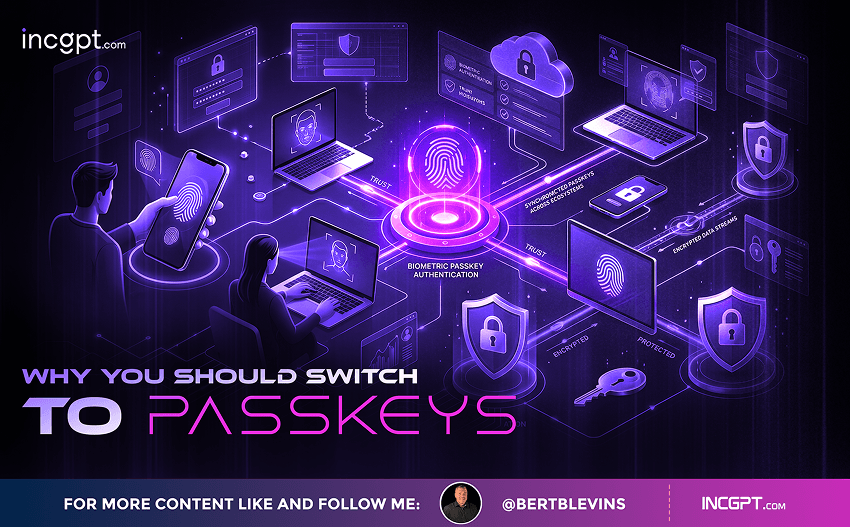
In the era of constant data breaches and hacking threats, traditional passwords are increasingly seen as outdated and vulnerable. Even with password managers in place, the reliance on passwords remains a significant security risk. Enter passkeys—an innovative and much more secure alternative to passwords that is quickly gaining traction among companies and users alike. This article will explore how passkeys work, why they are more secure than passwords, the challenges involved in their adoption, and how you can start using them today.

For the better part of two years, the dominant story about artificial intelligence in the workplace has been one of replacement. Barely a week passes without another headline announcing layoffs tied to automation, and the message has been hard to miss: human roles are on the way out, and AI agents are stepping in. Spend a little time scrolling through professional networks and you might conclude that tomorrow’s company will be little more than a thin layer of managers supervising fleets of software.
© 2026 BertBlevins.com · All Rights Reserved